
 ChatGPT
 Claude
 Perplexity
 Google AI Mode
 Microsoft Copilot
 Grok
Grok Mistral Le Chat
连接Zoom后,每位在你表单付款的顾客都会自动报名你的Zoom会议或网络研讨会,Zoom也会把参加链接发给他们。你只需要在Zoom设置一次,在BCL设置一次,然后在每个表单设置。
创建Zoom App
Section titled “创建Zoom App”你需要一个可以在Zoom App Marketplace创建App的Zoom账号。
-
在marketplace.zoom.us登录,点击Develop → Build App。
-
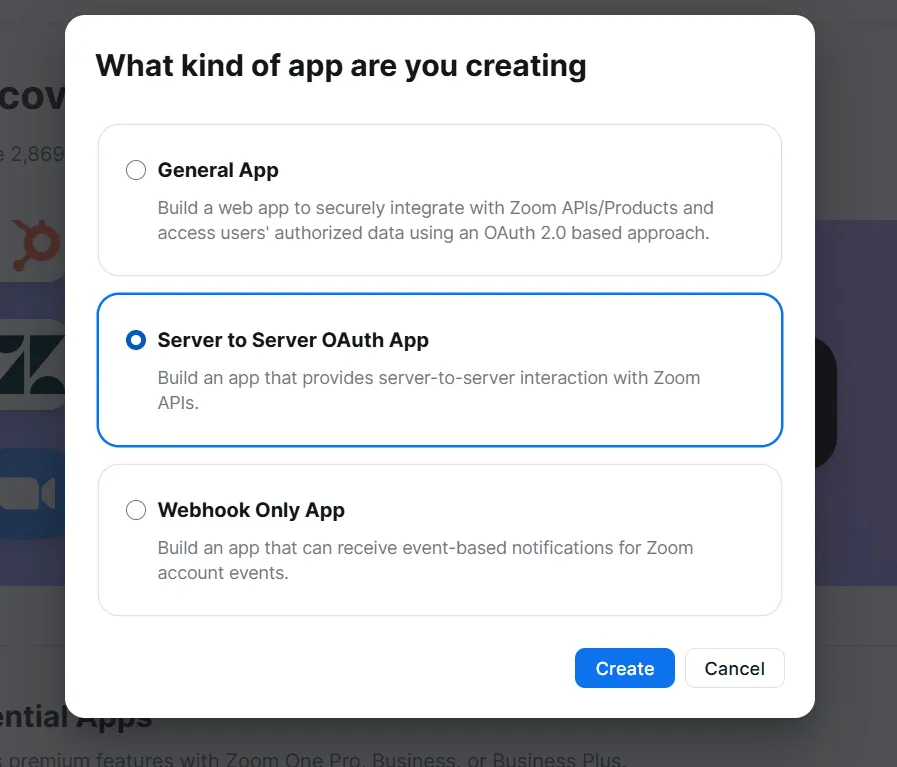
选择Server to Server OAuth App,点击Create。为App命名。
-
在App Credentials复制Account ID、Client ID和Client Secret,然后点击Continue。
-
填写必填的Information,点击Continue。
-
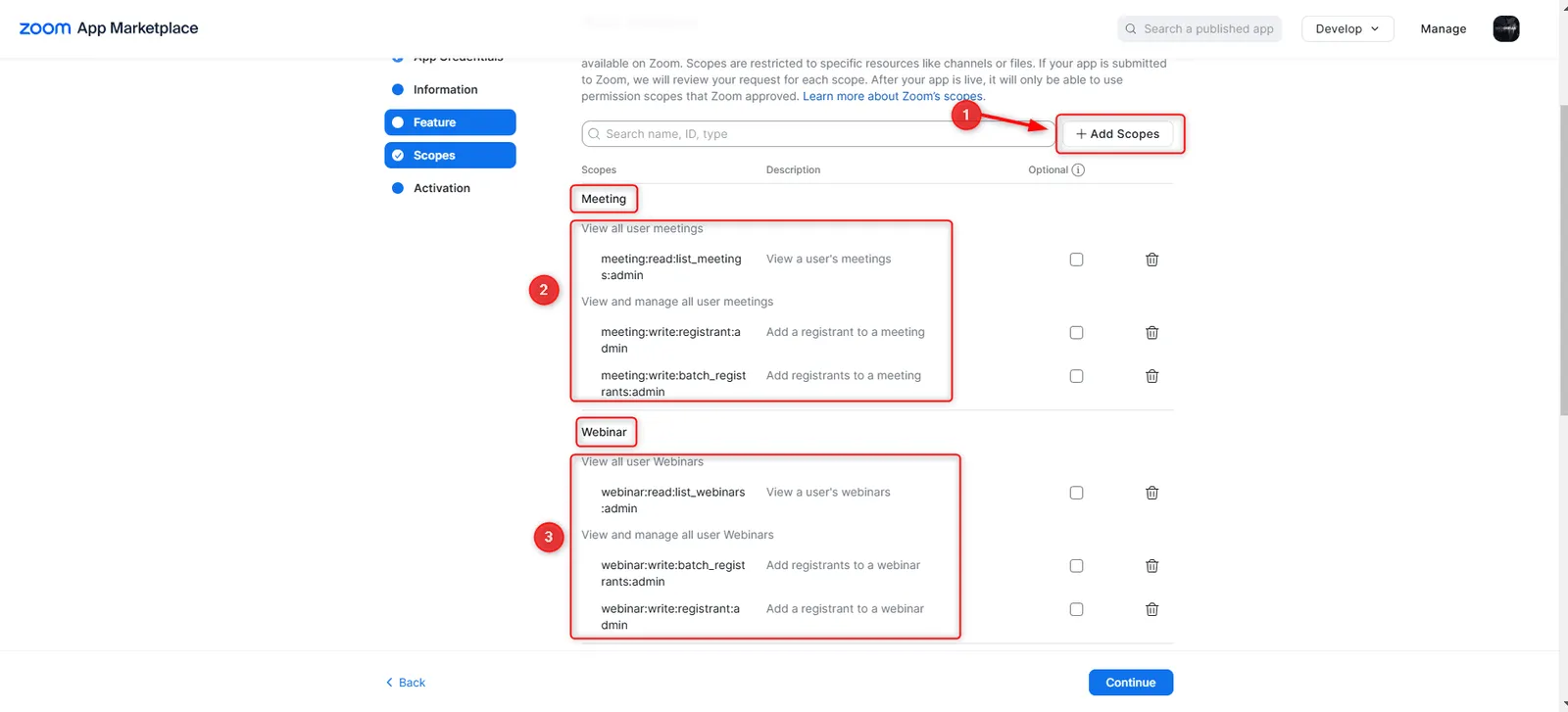
在Scopes点击Add Scopes,添加这六个权限范围(scope):
meeting:read:list_meetings:adminmeeting:write:registrant:adminmeeting:write:batch_registrants:adminwebinar:read:list_webinars:adminwebinar:write:registrant:adminwebinar:write:batch_registrants:admin
-
点击Continue,然后启用App。
把Zoom连接到BCL
Section titled “把Zoom连接到BCL”准备好从Zoom复制的三项凭证。
-
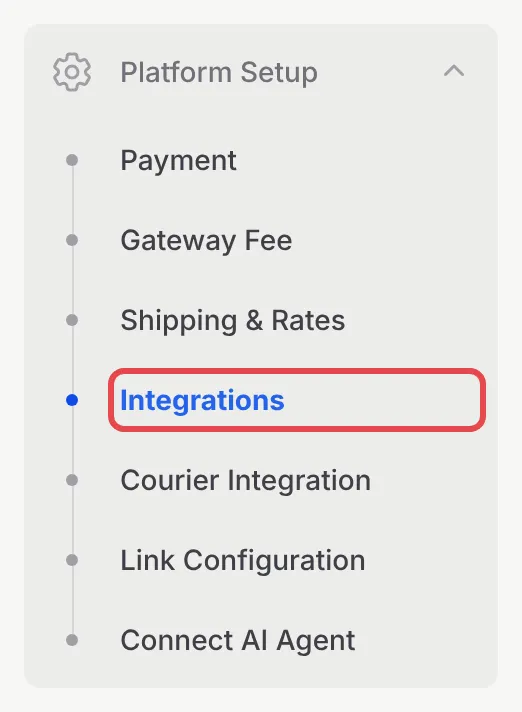
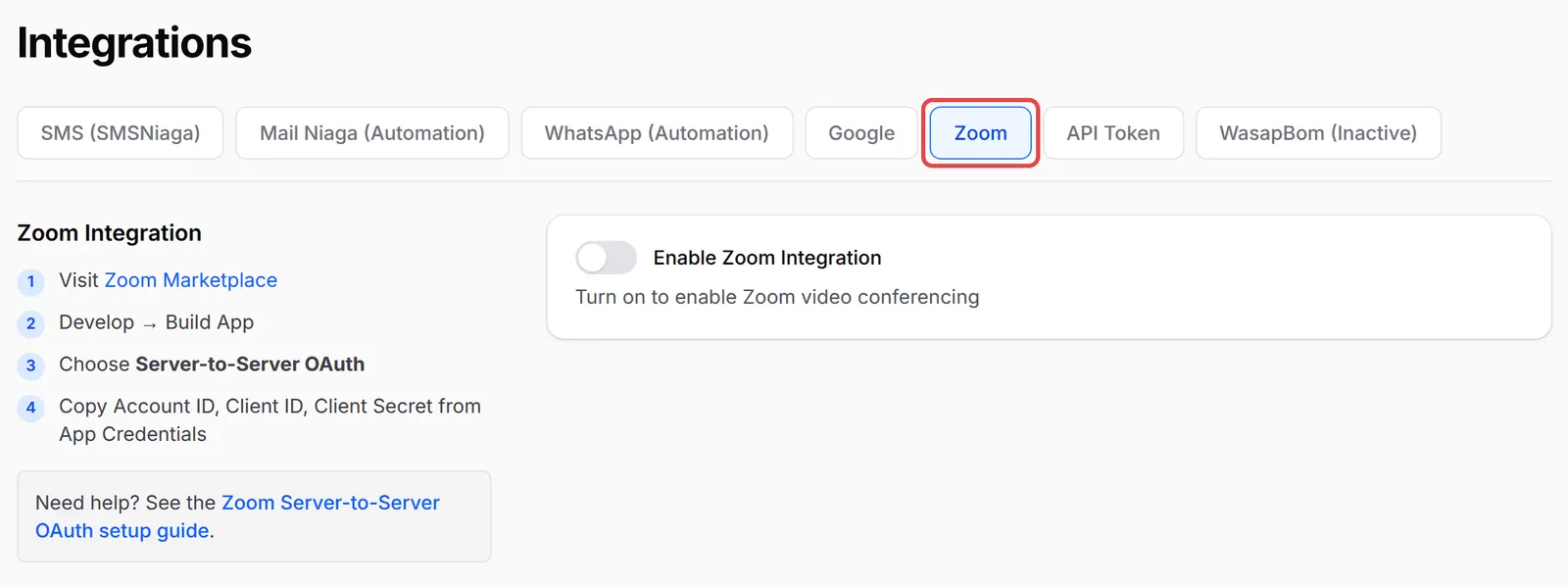
前往Platform Setup → Integrations,打开Zoom标签页。
-
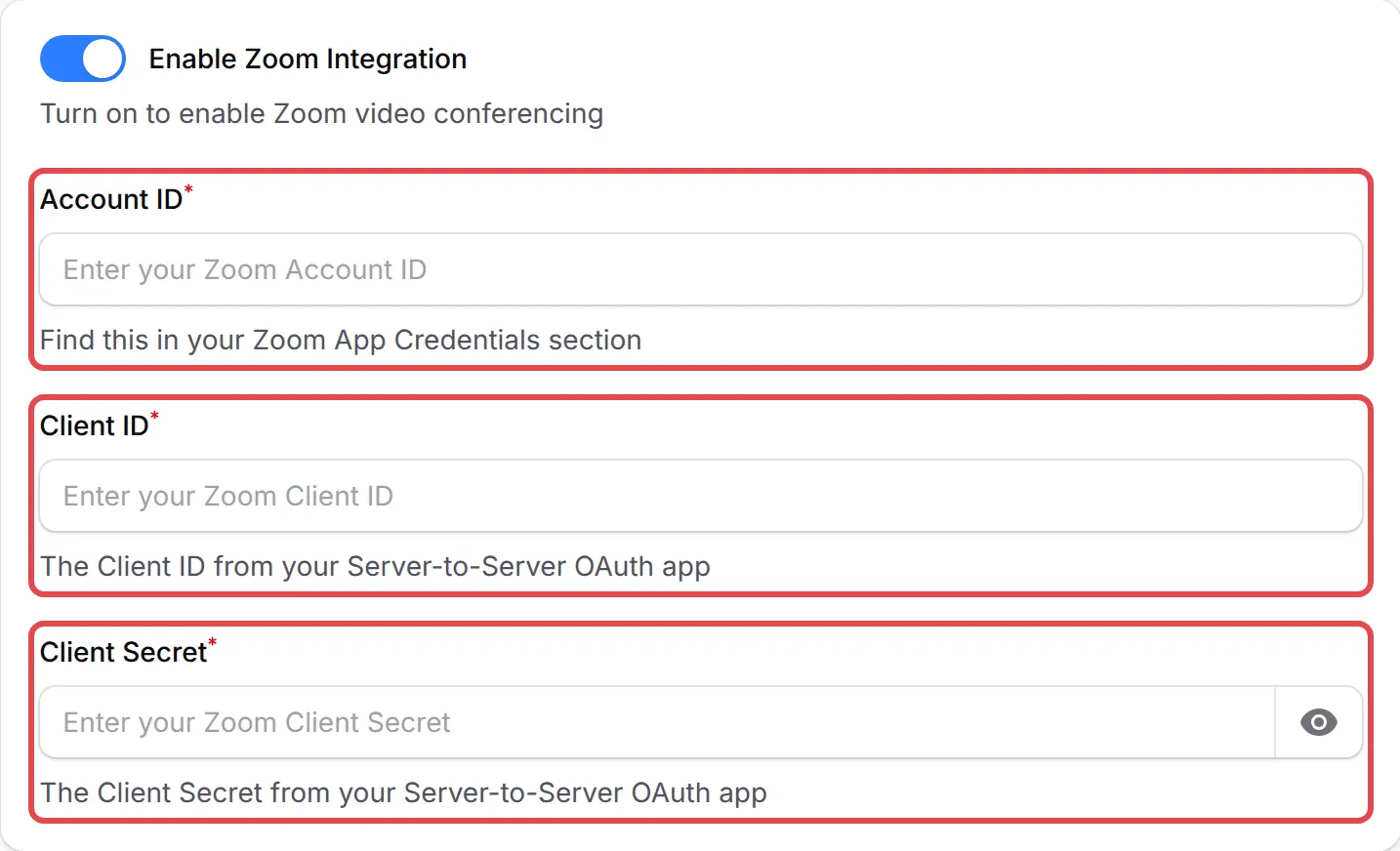
开启Enable Zoom Integration。
-
粘贴Account ID、Client ID和Client Secret。
-
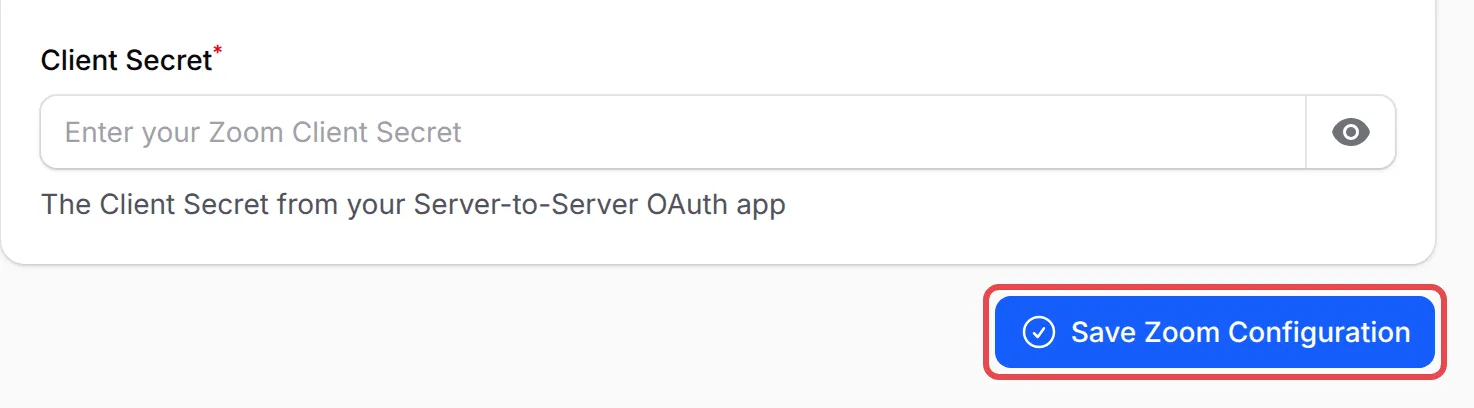
点击Save Zoom Configuration。
把会议添加到表单
Section titled “把会议添加到表单”在Zoom安排会议或网络研讨会时,把Registration勾选为Required。Zoom只接受需要报名的活动的报名。
-
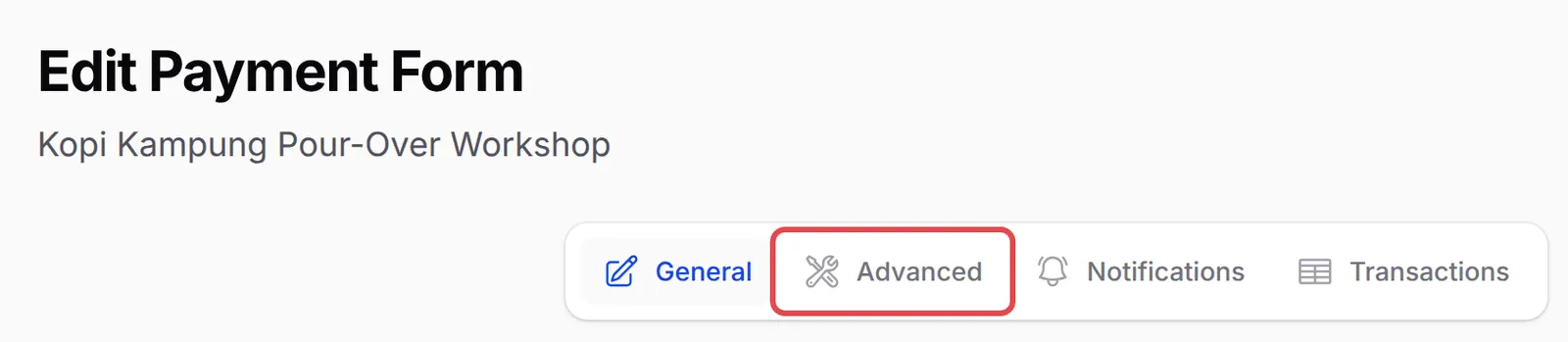
前往Payments → Forms,点击表单的Edit。

-
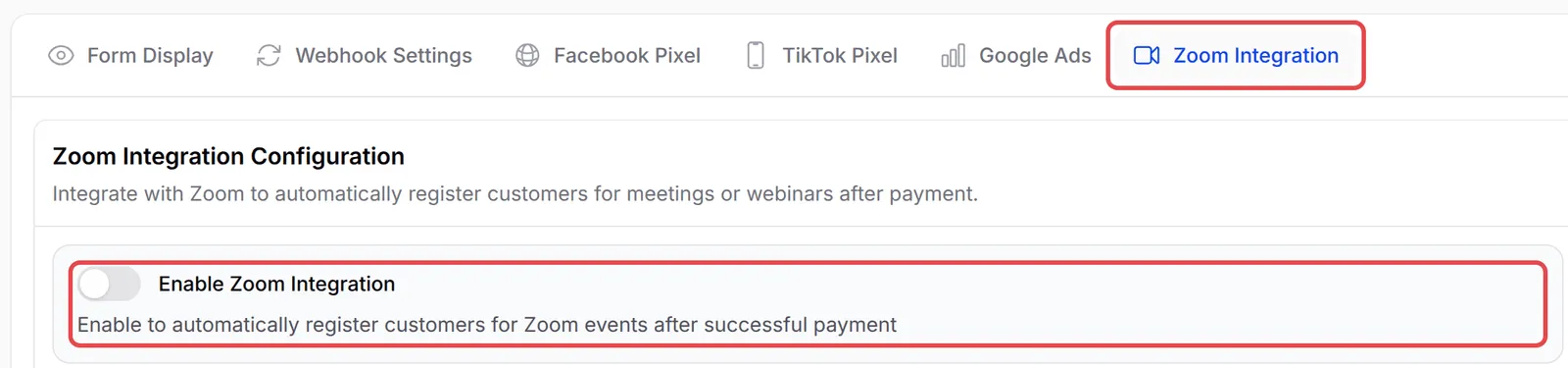
点击Advanced,然后打开Zoom Integration标签页。
-
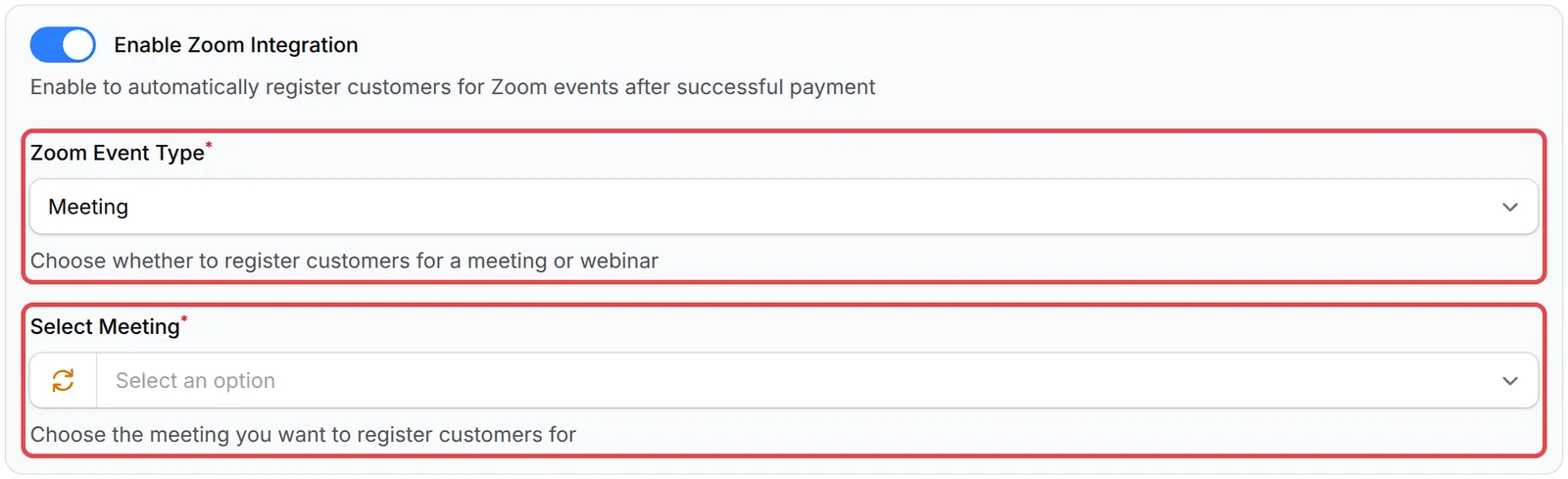
开启Enable Zoom Integration。BCL会把表单的电邮设为必填,因为Zoom是用电邮为每位顾客报名的。
-
选择Zoom Event Type:Meeting或Webinar。
-
在Select Meeting或Select Webinar选择活动。如果找不到新的活动,点击栏位开头的刷新按钮。
-
点击Save Advanced Settings。

活动表单的Advanced下也有同样的Zoom Integration标签页。
常见问题
我的会议没有出现在Select Meeting列表里。为什么?
检查该会议在Zoom的Registration是否设为Required,然后点击Select Meeting旁的刷新按钮。也检查你的Zoom App是否有会议的权限范围(scope),而且已经启用。
我可以不收费,让人免费报名Zoom网络研讨会吗?
免费报名请用lead表单。付款表单和活动表单上的Zoom整合,会在付款成功后为顾客报名。