
 ChatGPT
 Claude
 Perplexity
 Google AI Mode
 Microsoft Copilot
 Grok
Grok Mistral Le Chat
在Google Analytics 4追踪购买
Google Analytics 4(GA4)显示有多少人访问你的BCL主页和表单,以及其中哪些人付了款。你只需要为整个账号连接一次:Measurement ID用于访问,Measurement Protocol API secret用于购买。
以下是你的GA4 property从BCL收到的事件:
| 事件 | 什么时候 | 从哪里发送 |
|---|---|---|
| page_view | 顾客打开你的主页、表单或收据。 | 浏览器 |
| begin_checkout | 顾客点击付款按钮。在lead表单上,这个事件是generate_lead。 | 浏览器 |
| purchase | 付款成功。包括订单号码、金额和表单名称。 | BCL的服务器 |
购买是从BCL的服务器发送的,所以广告拦截器无法阻止它。只有成功的付款才会发送;待处理的COD和银行转账订单会在你把它们标为已付时发送。
取得你的Measurement ID和API secret
Section titled “取得你的Measurement ID和API secret”你需要从Google Analytics取得这两个值:
- 在Google Analytics,前往Admin → Data streams,点击你的网站数据流(web stream)。
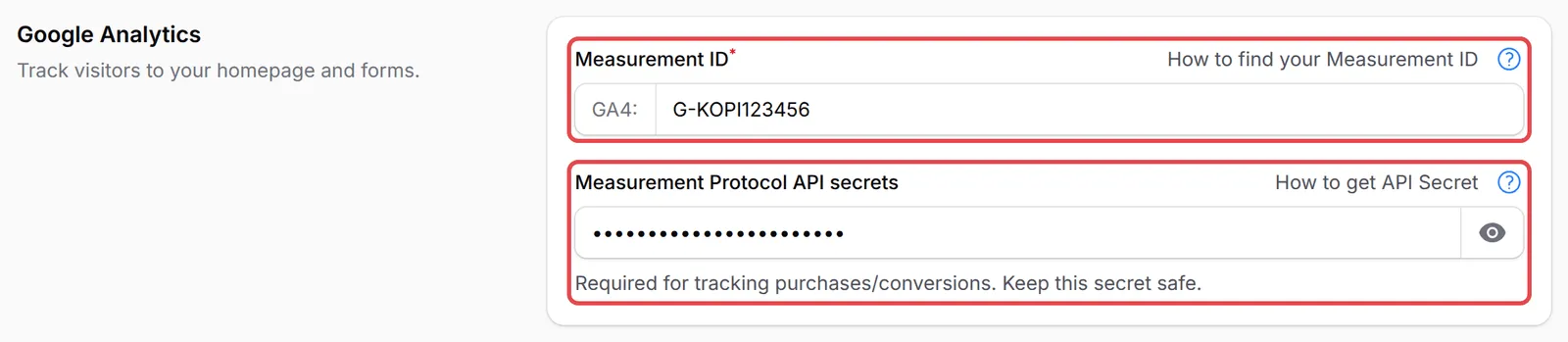
- 复制Measurement ID。它以G-开头。
- 在同一个页面,打开Measurement Protocol API secrets,点击Create,取一个名字(例如BCL),然后复制Secret value。
把Google Analytics连接到BCL
Section titled “把Google Analytics连接到BCL”这个设置在Integrations页面,涵盖你账号里的每个表单。
-
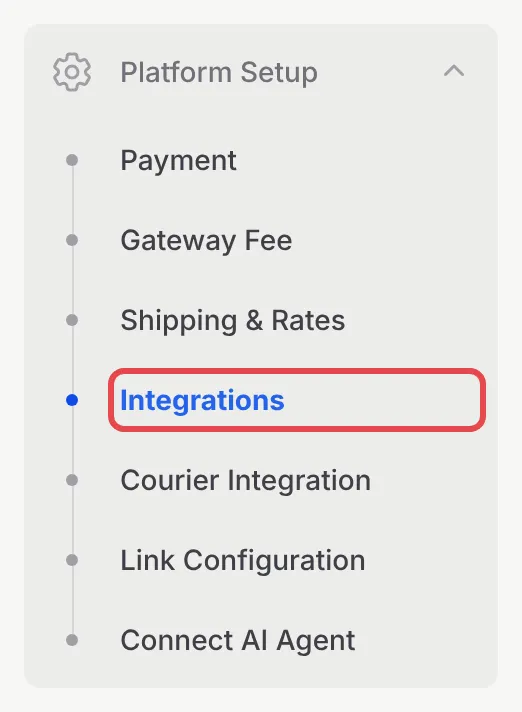
前往Platform Setup → Integrations。
-
打开Google标签页。

-
在Google Analytics下,把ID粘贴到Measurement ID,把secret粘贴到Measurement Protocol API secrets。
-
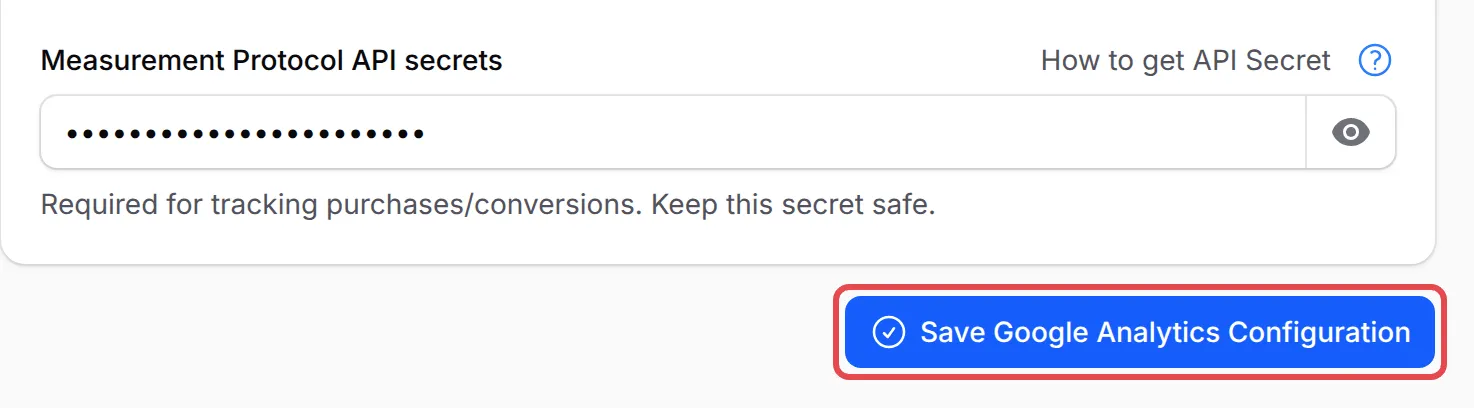
点击Save Google Analytics Configuration。
几个做法,让你的GA4报告更有用:
- 在BCL检查购买。前往Tools → Marketing Logs,打开Google Analytics标签页。每一行是BCL发送到你property的一笔购买。请看Marketing Pixel Logs。
- 把purchase标为关键事件。在Google Analytics,前往Admin → Events,把purchase标为关键事件(key event),它就会在报告里显示为转化。
- 也在投放Google Ads吗?GA4不能取代表单的Google Ads代码。请在每个表单上添加:请看在表单追踪Google Ads转化。
常见问题
每个表单都要添加Google Analytics吗?
不用。Google Analytics在Platform Setup → Integrations → Google为你的账号设置一次,就涵盖你的主页和所有表单。
我在Google Analytics看到访问,但没有购买。为什么?
购买是从BCL的服务器发送的,需要Measurement Protocol API secrets的值。把它添加在Measurement ID旁边,然后保存。
为什么BCL说我的Measurement ID无效?
它必须是Google Analytics 4的ID:G-后面跟着10个字母和数字,例如G-AB12CD34EF。旧的Universal Analytics ID(UA-)不能用。