
Ask an AI about this page
 ChatGPT
 Claude
 Perplexity
 Google AI Mode
 Microsoft Copilot
 Grok
Grok Mistral Le Chat
Track purchases in Google Analytics 4
Updated

Google Analytics 4 (GA4) shows how many people visit your BCL homepage and forms, and which of them paid. You connect it once for your whole account: a Measurement ID for visits and a Measurement Protocol API secret for purchases.
These are the events your GA4 property receives from BCL:
| Event | When | Sent from |
|---|---|---|
| page_view | A customer opens your homepage, a form or a receipt. | Browser |
| begin_checkout | The customer clicks the pay button. On a lead form this is generate_lead. | Browser |
| purchase | The payment succeeds. Includes the order number, amount and form name. | BCL’s server |
The purchase is sent from BCL’s server, so ad blockers cannot stop it. It is sent only for successful payments; pending COD and bank transfer orders are sent when you mark them paid.
Get your Measurement ID and API secret
Section titled “Get your Measurement ID and API secret”You need both values from Google Analytics:
- In Google Analytics, go to Admin → Data streams and click your web stream.
- Copy the Measurement ID. It starts with G-.
- On the same page, open Measurement Protocol API secrets, click Create, give it a name (for example BCL) and copy the Secret value.
Connect Google Analytics to BCL
Section titled “Connect Google Analytics to BCL”The setting is on the Integrations page and covers every form in your account.
-
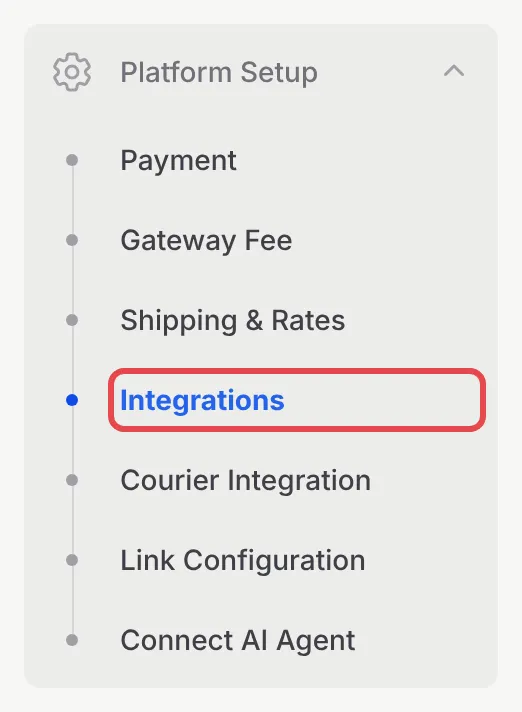
Go to Platform Setup → Integrations.
-
Open the Google tab.

-
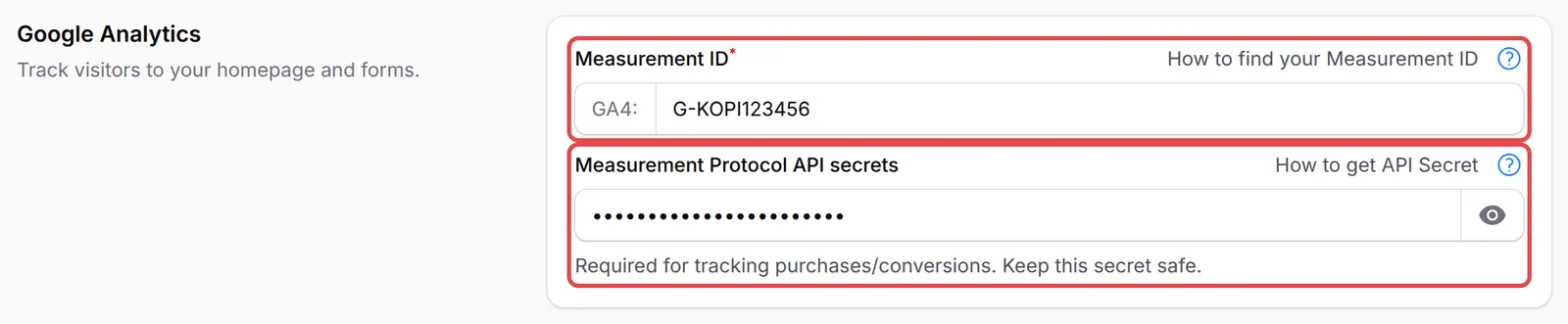
Under Google Analytics, paste your ID into Measurement ID and your secret into Measurement Protocol API secrets.
-
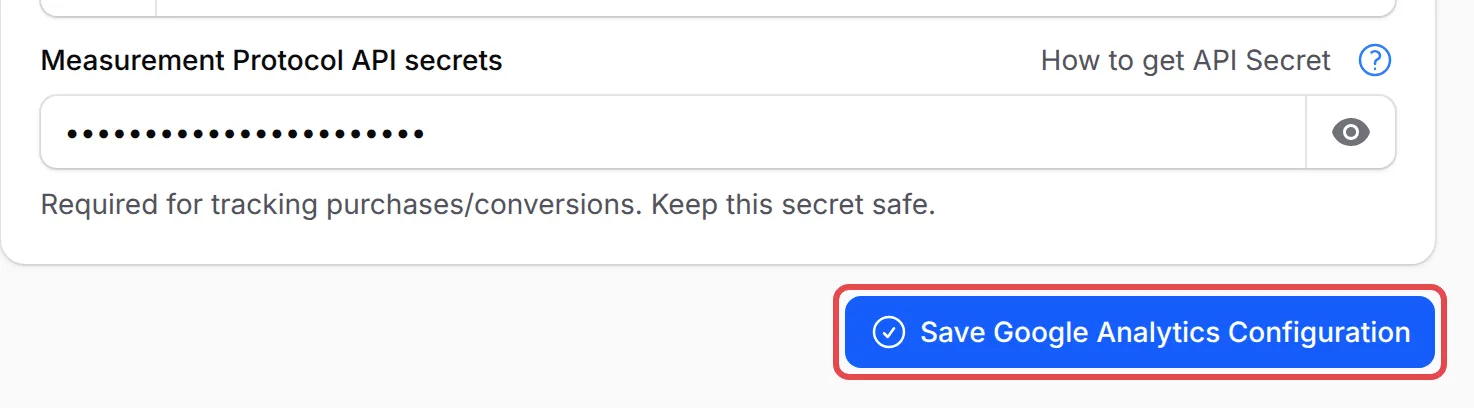
Click Save Google Analytics Configuration.
A few things make your GA4 reports more useful:
- Check purchases in BCL. Go to Tools → Marketing Logs and open the Google Analytics tab. Each row is a purchase BCL sent to your property. See Marketing Pixel Logs.
- Mark purchase as a key event. In Google Analytics, go to Admin → Events and mark purchase as a key event, so it shows as a conversion in your reports.
- Running Google Ads too? GA4 does not replace the form’s Google Ads tag. Add that on each form: see Track Google Ads conversions on a form.
Common issues
Do I add Google Analytics to every form?
No. Google Analytics is set once for your account under Platform Setup → Integrations → Google, and it covers your homepage and all your forms.
I see visits in Google Analytics but no purchases. Why?
Purchases are sent from BCL's server, which needs the Measurement Protocol API secrets value. Add it next to your Measurement ID and save.
Why does BCL say my Measurement ID is not valid?
It must be a Google Analytics 4 ID: G- followed by 10 letters and numbers, for example G-AB12CD34EF. Old Universal Analytics IDs (UA-) do not work.
Was this article helpful?
Thanks for your feedback.
Sorry this didn't help. WhatsApp us and we'll sort it out with you.