
Ask an AI about this page
 ChatGPT
 Claude
 Perplexity
 Google AI Mode
 Microsoft Copilot
 Grok
Grok Mistral Le Chat
Send official WhatsApp templates with Nakwasap Official
Nakwasap Official connects your official WhatsApp Business number (WABA) on Nakwasap to BCL. Add a Nakwasap Official step to an automation. BCL then sends one of your approved WhatsApp templates, filled with the order details. For a number linked by QR code, use the Nakwasap card instead (see WhatsApp notifications).
Connect Nakwasap Official
Section titled “Connect Nakwasap Official”You need a Nakwasap account with your official WhatsApp Business (WABA) number connected. Then:
-
In Nakwasap, go to Settings → Developers and create an API key.
-
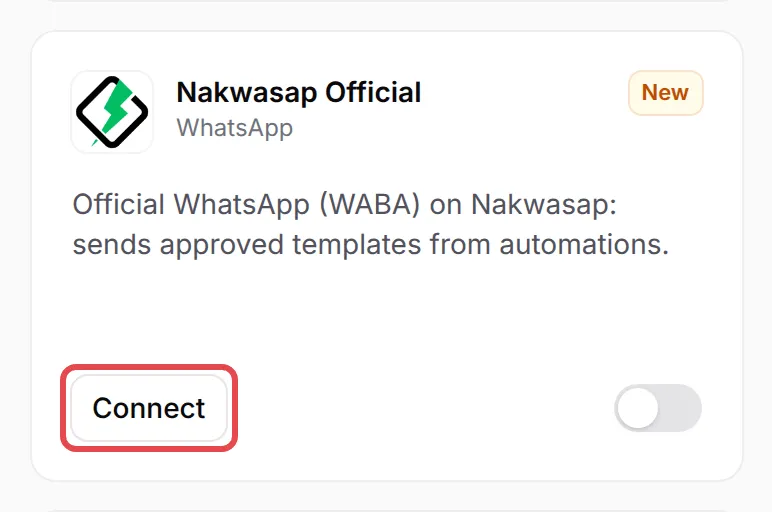
In BCL, go to Platform Setup → Integrations. Click WhatsApp to show the WhatsApp cards, then click Connect on the Nakwasap Official card.
-
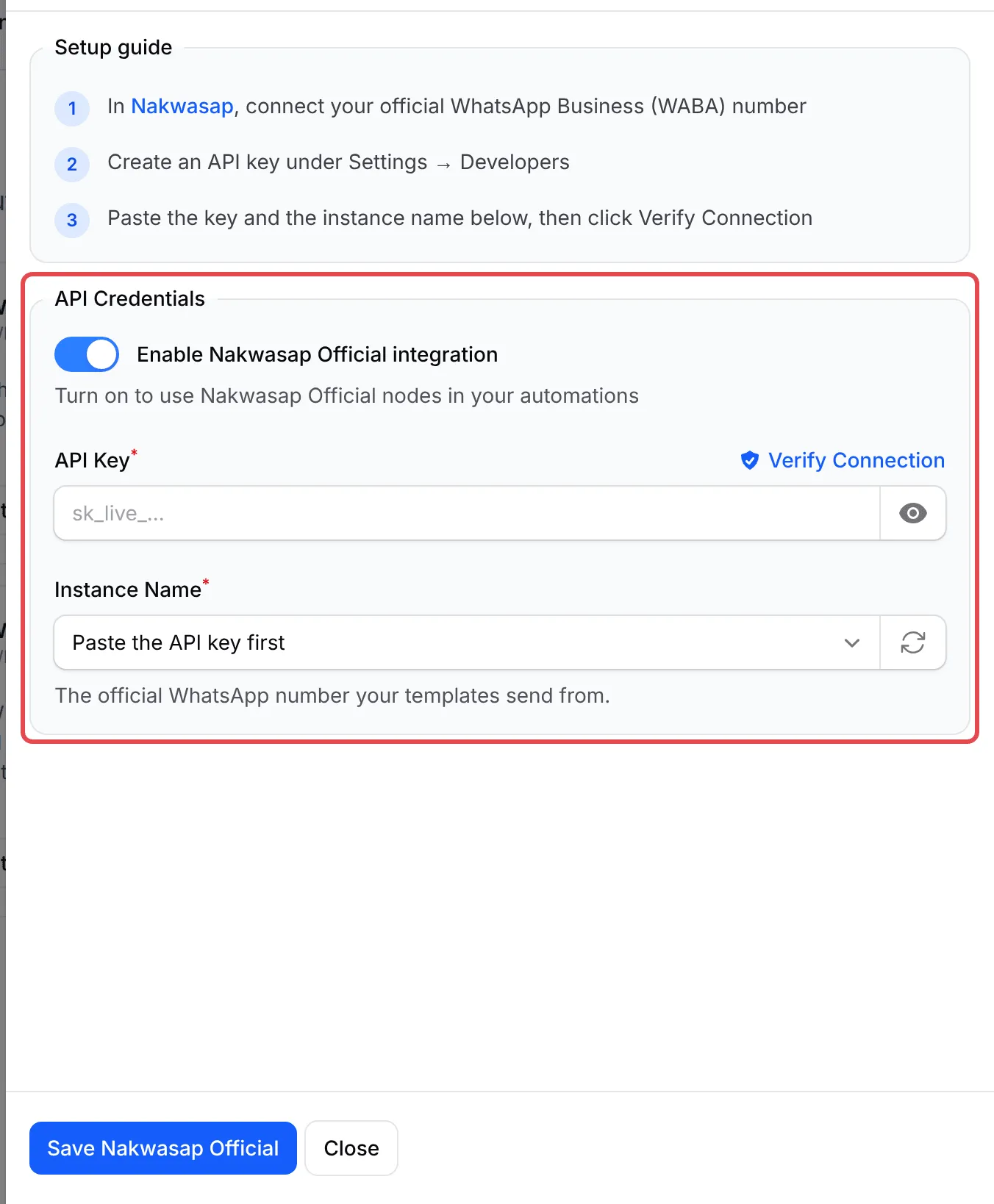
Turn on Enable Nakwasap Official integration.
-
Paste the key in API Key. BCL loads your official numbers into Instance Name.
-
In Instance Name, choose the WhatsApp number your templates send from, then click Verify Connection.
-
Click Save Nakwasap Official.
Add a Nakwasap Official step to an automation
Section titled “Add a Nakwasap Official step to an automation”Each step sends one template. To add it:
-
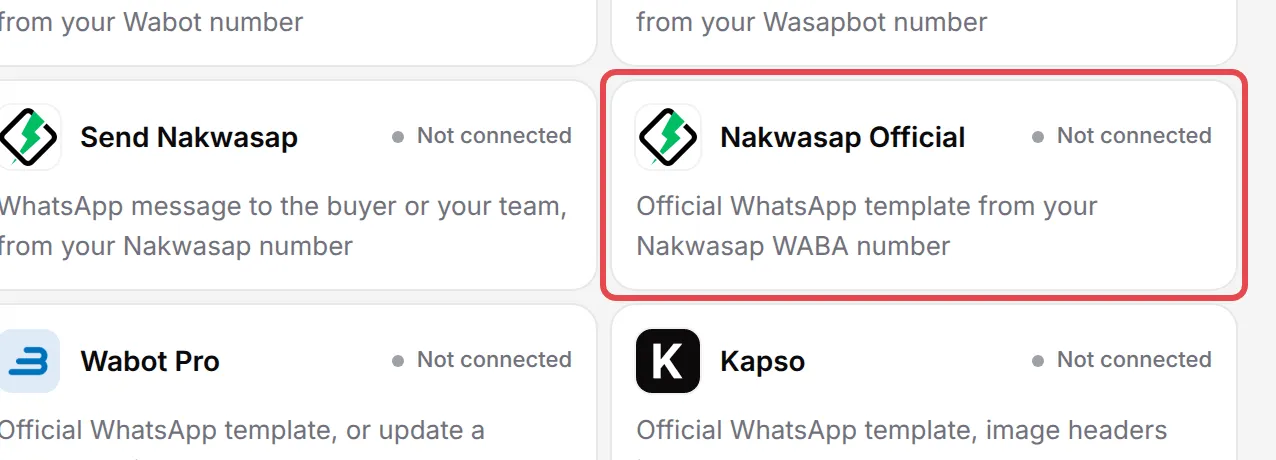
In your automation, click Add Node and choose Nakwasap Official under WhatsApp.
-
Double-click the new step to open Nakwasap Official Settings, and type an Action Name.
-
Keep the phone variable in Receiver Phone, or type a number with its country code, such as
60123456789. -
Choose the Template. The list shows the approved templates on your official number. If a new template is missing, click the refresh icon next to it.
-
Under Template variables, fill each variable with a BCL variable, such as
{order_number}, or with text. A picture or document header needs a publichttps://link. -
To check the template, type your number in Phone Number under Send a test and click Send. BCL sends it now, with sample data in the variables.
-
Click Save Nakwasap Official, then Update Automation, and turn the automation on.
If a variable is empty when the automation runs, BCL sends a dash (-) in its place. WhatsApp refuses empty values. Each message shows in the automation’s history.
Common issues
What is the difference between Nakwasap and Nakwasap Official in BCL?
Nakwasap is for a WhatsApp number linked by QR code. It sends free-text messages from your forms and from the Send Nakwasap automation step. Nakwasap Official is for an official WhatsApp Business (WABA) number and sends only approved templates, from the Nakwasap Official automation step.
Why is the Instance Name list empty?
The list shows only the official WhatsApp numbers on your API key. Paste the key in API Key first, then click the refresh icon next to Instance Name. If it says No official WhatsApp number on this key yet., connect your WABA number in Nakwasap first.
Is there a field for my own message in the Nakwasap Official step?
No. Official WhatsApp numbers send approved templates only. Create and get the template approved in Nakwasap, then click the refresh icon next to Template in the step to load it.
Was this article helpful?
Thanks for your feedback.
Sorry this didn't help. WhatsApp us and we'll sort it out with you.