
Ask an AI about this page
 ChatGPT
 Claude
 Perplexity
 Google AI Mode
 Microsoft Copilot
 Grok
Grok Mistral Le Chat
Request your commission payout
Updated

The merchant pays your commission, not BCL. You ask for it from the Referral page once you have earned enough, and the merchant transfers the money to the bank account in your profile.
Before you ask
Section titled “Before you ask”Two things must be in place:
- Your bank details are saved under Account → Profile → Bank Account Details (Bank name, Account holder name, Account number). The merchant pays you there.
- Your approved commission has reached the merchant’s minimum. The dashboard’s Share & Earn Now! box tells you the amount and the payout schedule.
Check your balance
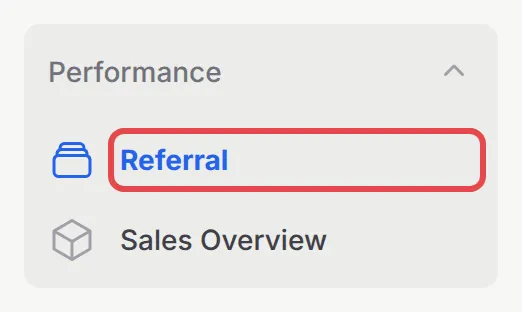
Section titled “Check your balance”Open Performance → Referral.
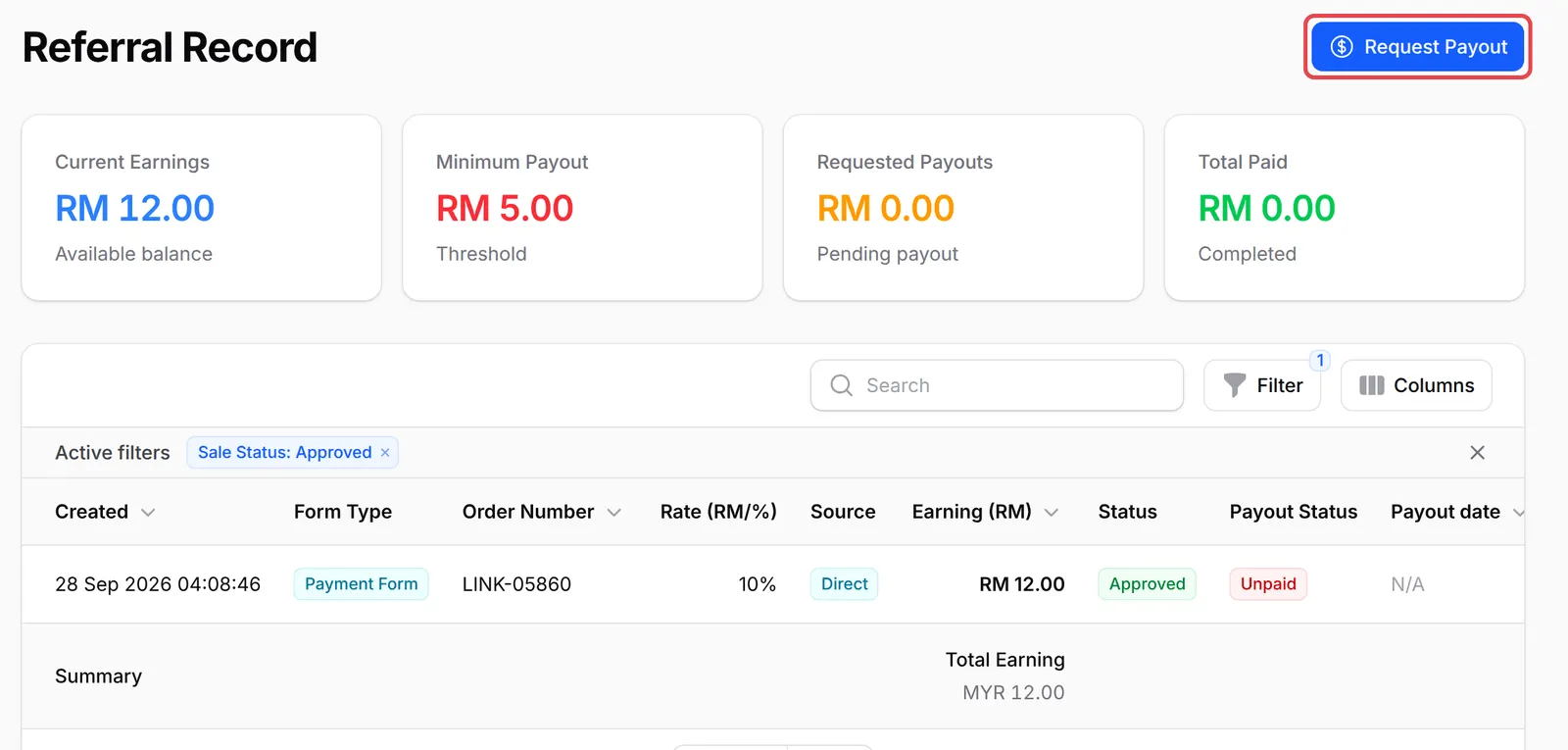
The cards at the top of Referral Record show:
| Card | What it means |
|---|---|
| Current Earnings | Approved commission not yet requested or paid: your available balance |
| Minimum Payout | The least you can request |
| Requested Payouts | Commission in payout requests that are not paid yet |
| Total Paid | What the merchant has already paid you |
The table below lists the sales you referred, with the Order Number, Rate (RM/%), Source (Direct for your own sales, or the tier for sales by affiliates you invited), your Earning (RM), Status and Payout Status (Unpaid, Requested or Paid). It starts filtered to approved sales. Click a row to see the details, or use Filter for Sale Status, Payout Status, Creation Date or Payout Date.
Request a payout
Section titled “Request a payout”When Current Earnings is at or above Minimum Payout:
-
On Performance → Referral, click Request Payout at the top right.
-
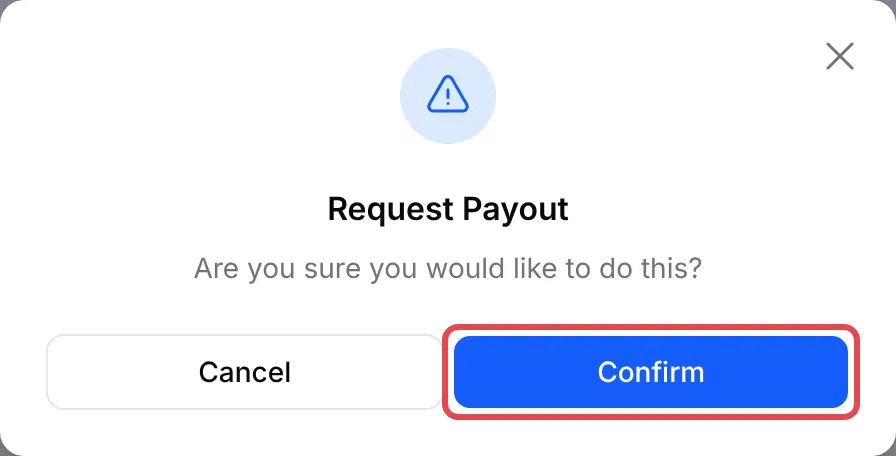
Click Confirm.
-
BCL shows Payout request submitted successfully! All your approved, unpaid referrals go into one request. Requested Payouts shows the amount, and each referral’s Payout Status changes to Requested.
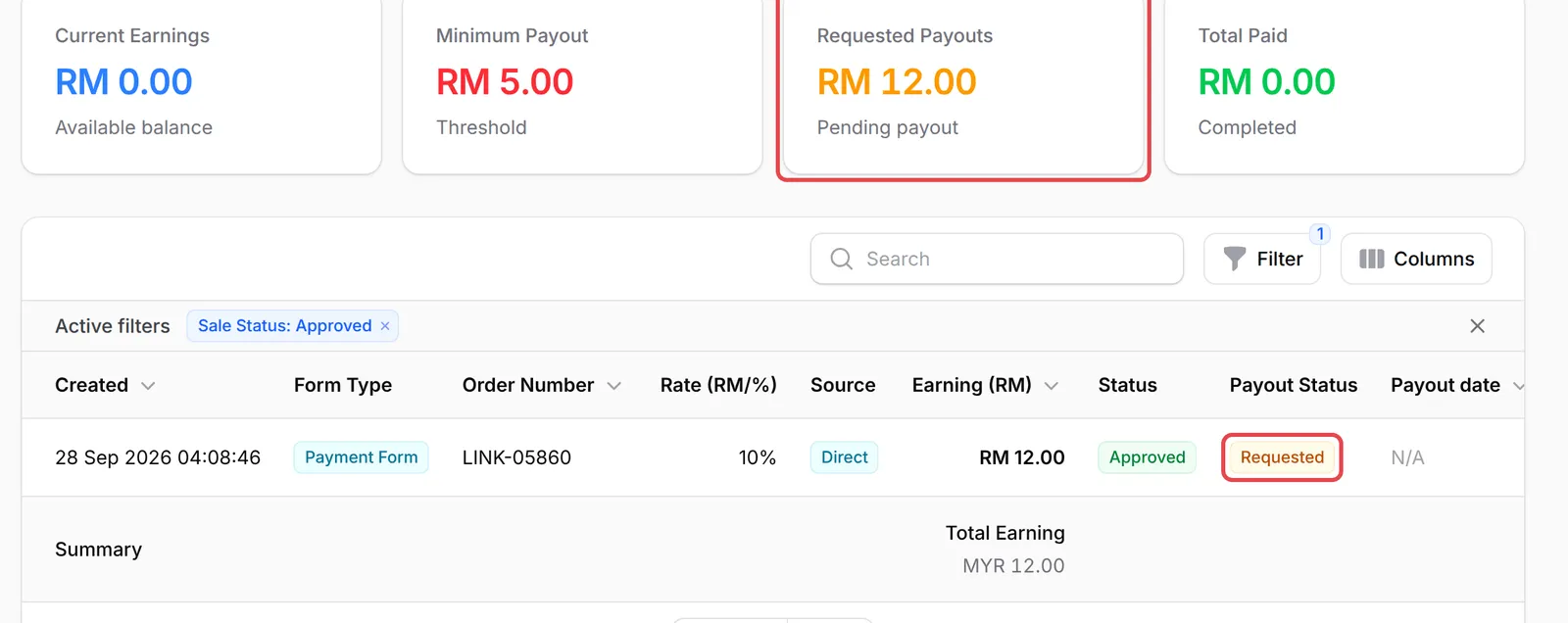
The merchant is notified and the request goes straight to their list of payouts to pay. They transfer the money by bank transfer or DuitNow, and when they mark it as paid, the referrals change to Paid and the amount moves to Total Paid.
A few things to keep in mind when you ask for your money:
- One request covers everything approved. You do not pick referrals: the request includes all approved commission that is not already requested.
- Pending sales are not lost. A referral waits as Pending until the buyer’s payment succeeds. Request again later to include it.
- Check your bank details before you ask. A wrong account number delays your money.
Common issues
Why is the Request Payout button greyed out?
Your Current Earnings are below the merchant's Minimum Payout. The button works once your approved, unpaid commission reaches that amount.
I don't see a Request Payout button at all.
The merchant has turned off payout requests and pays affiliates on their own schedule instead. You still see each payout under Payout Status when it is made.
My sale shows as Pending. When does it count?
Each referral starts as Pending. It becomes Approved when the buyer's payment succeeds, and Rejected if the payment fails or is cancelled. Only approved commission can be paid out.
Was this article helpful?
Thanks for your feedback.
Sorry this didn't help. WhatsApp us and we'll sort it out with you.