
Ask an AI about this page
 ChatGPT
 Claude
 Perplexity
 Google AI Mode
 Microsoft Copilot
 Grok
Grok Mistral Le Chat
Things to ask your AI assistant
Updated

After you connect an AI assistant to BCL, you ask for things in your own words. The prompts below are tested against what the BCL tools can really do. Copy one, change the names and dates, and paste it into your assistant.
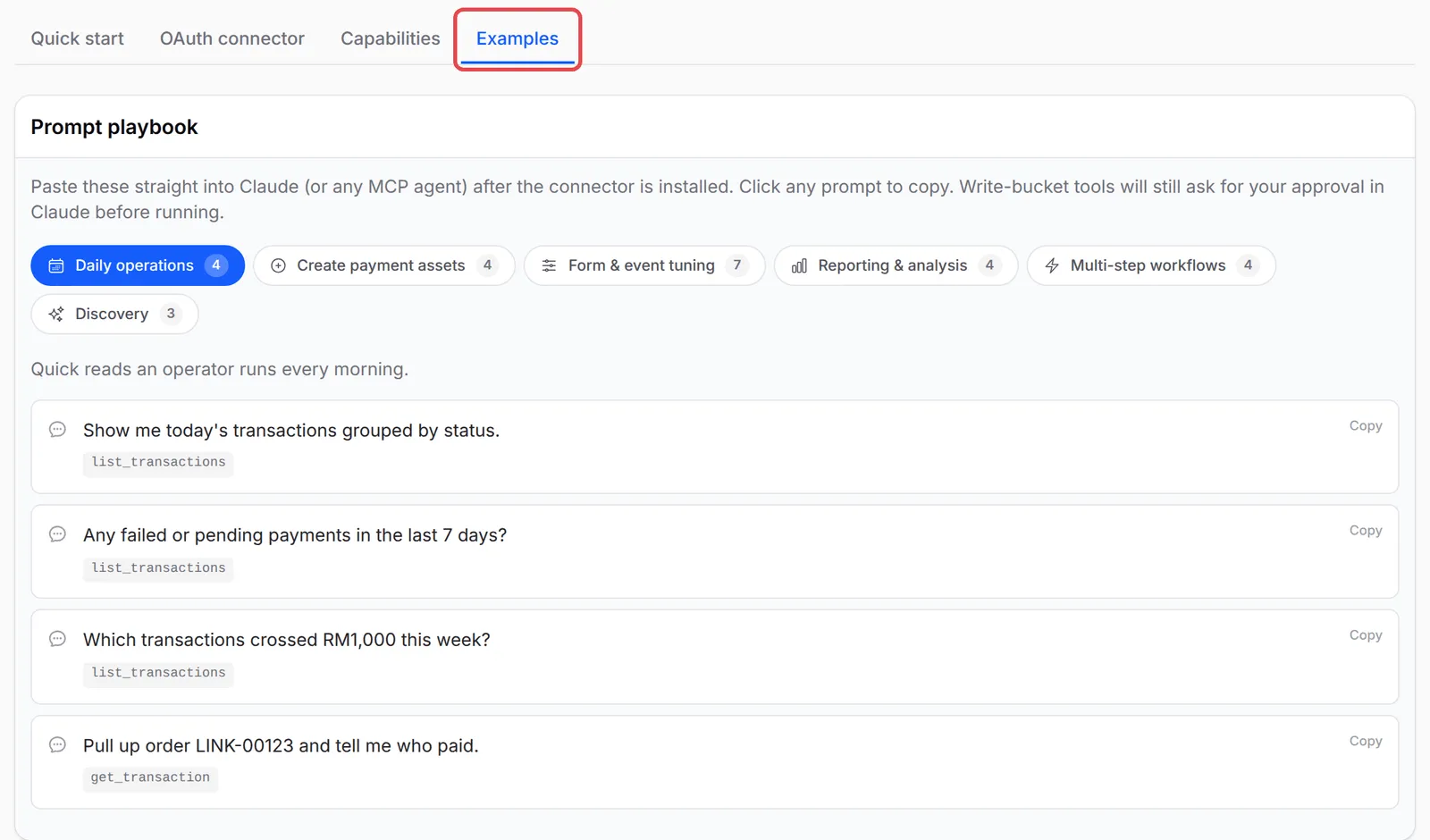
You can ask in English or Malay. BCL also has a list of starter prompts under Platform Setup → Connect AI Agent, on the Examples tab.
Before you ask
Section titled “Before you ask”A few things decide what the assistant can answer:
- Reading needs the
mcp:readpermission. Creating or changing anything also needsmcp:write. See Approve the connection. - Sales totals, the transaction list and customer totals count live payments only. Test Mode payments are left out.
- The assistant sees what your BCL login sees. A Team member sees only their own sales unless the team shares data. See Team roles and permissions.
Sales today and this month
Section titled “Sales today and this month”The assistant reads your paid live transactions for any date range:
How much did I sell today? Count only successful payments.Show my sales this month by payment channel and by form type.Compare my sales from 1 to 27 September with the same days in August.List failed and pending payments from the last 7 days, newest first.Which payments this week were above RM 500?Find a customer’s order
Section titled “Find a customer’s order”The assistant searches by order number, payer name, email or phone number:
Find order LINK-05857 and tell me who paid, how much, the payment channel and the status.Find all payments from aisyah@example.com and show the items she bought.Look up the customer with phone 0133456789 and show her recent transactions.Who are my 10 best customers by total amount paid?Create a payment link or form
Section titled “Create a payment link or form”A payment link needs an amount, the payer’s name, email and phone number, and the Bayarcash portal key that receives the money. Copy the key from the Bayarcash Console first (see Choose a Bayarcash portal key):
Create a payment link for RM 45 for Nurul Huda, nurul@example.com, 0123456789.Remarks: 2 bags of Kopi Kampung House Blend. Portal key: <your 32-character portal key>.Let her choose the payment method.The assistant replies with a link to send to your customer. It cannot build a new payment form from scratch, but it can copy one of yours and then change it:
Duplicate my "Kopi Kampung Coffee Beans" form. Name the copy "Kopi Kampung Raya Hamper"with the slug kopi-kampung-raya-hamper, then turn it off until I am ready.Set the price of every product on my "Kopi Kampung Tasting Set" form to RM 39.Create a coupon RAYA10 for 10% off the total, limited to 100 uses, valid until 30 April.Then attach it to my "Kopi Kampung Gift Box" form.Protected content
Section titled “Protected content”The assistant can list your protected content, show who has access, and change access rules. It cannot create content or upload files. See Manage protected content by API and AI tools.
List my protected content with the number of customers on each.Who has access to "Kopi Kampung Coffee Festival 2026 Recording", and how many times has each person viewed it?Give buyers of "Kopi Kampung Coffee Festival 2026 Recording" 30 days of access, on up to 2 devices.Switch off "Kopi Kampung Brew Club Telegram" until further notice.Affiliates
Section titled “Affiliates”For affiliates, the assistant changes a form’s affiliate settings. The affiliate programme must already be on under Affiliate → Settings (see Turn on affiliates):
Turn on affiliates for my "Kopi Kampung Coffee Beans" form and show the affiliate info on the form.On my "Kopi Kampung Starter Kit" form, override the commission: 15 percent.Which of my payment forms have affiliates turned on, and what commission does each use?The assistant cannot list your affiliates, their referrals or payouts. Check those under Affiliate in the dashboard.
A few habits get better answers from the assistant:
- Name the form exactly. The assistant finds forms by title. If two forms have similar names, give the form ID from the dashboard.
- Ask for a summary before a change. For example: “Show me the prices you will change, and wait for my OK.”
- Big jobs take a few minutes. BCL allows 3 payment links, coupons or mandates a minute and 10 other changes a minute for each connection, so the assistant pauses on long lists. See MCP tools reference.
Common issues
Can the AI assistant create a new payment form for me?
Not from nothing. It can duplicate one of your forms under a new title and slug, then change the title, prices, stock and description. Build new forms in the dashboard.
Why does the assistant ask me for a portal key when I ask for a payment link?
BCL needs to know which Bayarcash portal receives the money, and the assistant cannot look up your portal keys. Copy the 32-character key from the Bayarcash Console and include it in your request.
Can the assistant show my affiliates' commission?
No. The assistant can turn affiliates on or off for a form and set its commission, but it cannot list your affiliates, referrals or payouts. Use Affiliate in the dashboard for those.
Was this article helpful?
Thanks for your feedback.
Sorry this didn't help. WhatsApp us and we'll sort it out with you.