
Ask an AI about this page
 ChatGPT
 Claude
 Perplexity
 Google AI Mode
 Microsoft Copilot
 Grok
Grok Mistral Le Chat
Start an event from a template or JSON file
Updated

You do not have to build an event form from a blank page. BCL has ready-made event templates, and you can copy any event to another account as a JSON file.

Start from a template
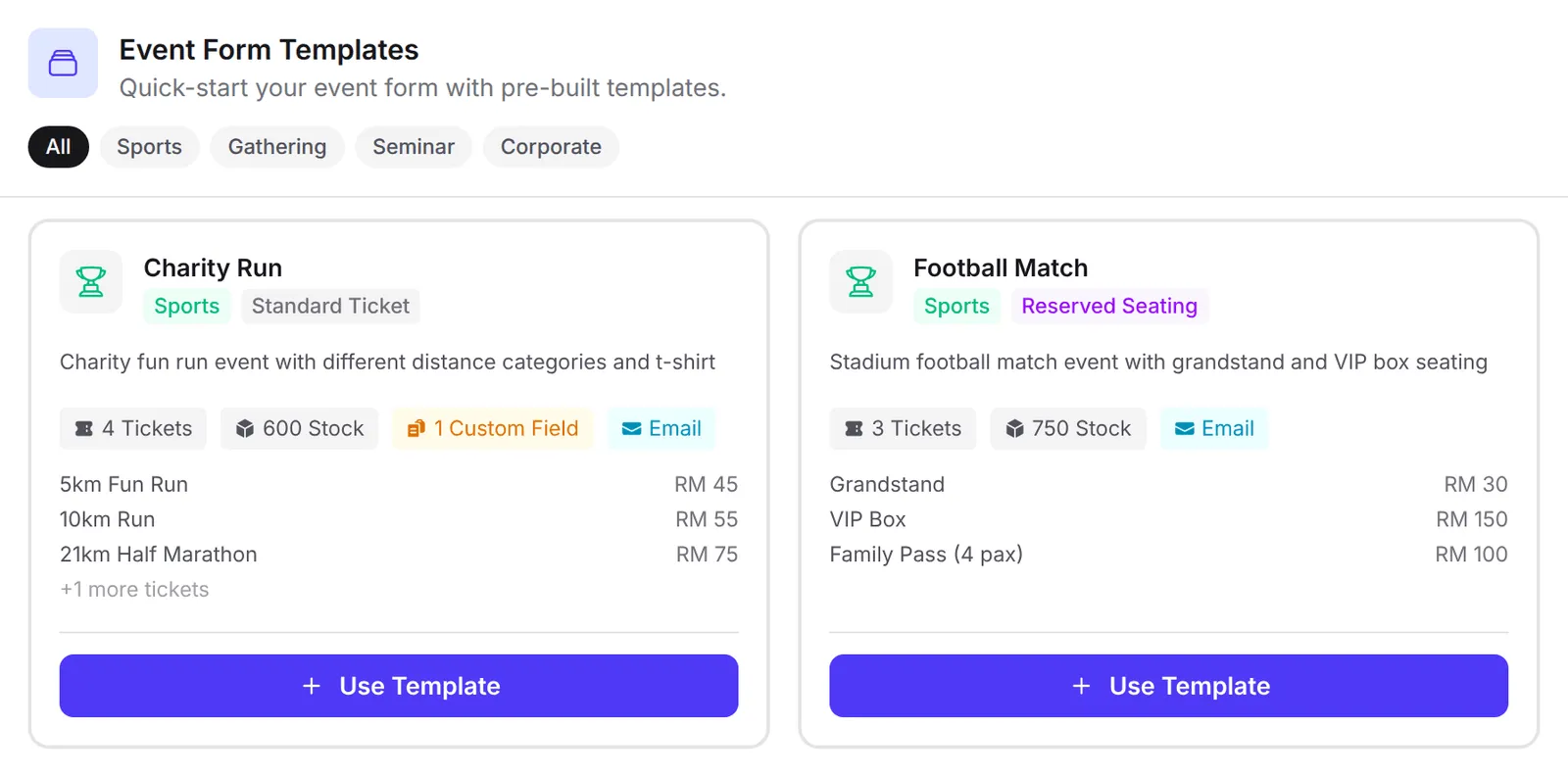
Section titled “Start from a template”BCL comes with 10 event templates in four groups: Sports (Charity Run, Football Match), Gathering (Concert / Festival, Gala Dinner, Annual Dinner), Seminar (Tech Conference, Workshop / Seminar, Free Webinar / Talk) and Corporate (Corporate Training, Product Launch). Each card shows the event type, the ticket types with their prices, and the total stock.
-
Go to Events → Events and click Templates.
-
Click a group to narrow the list, or scroll through All.
-
Click Use Template on the closest match.
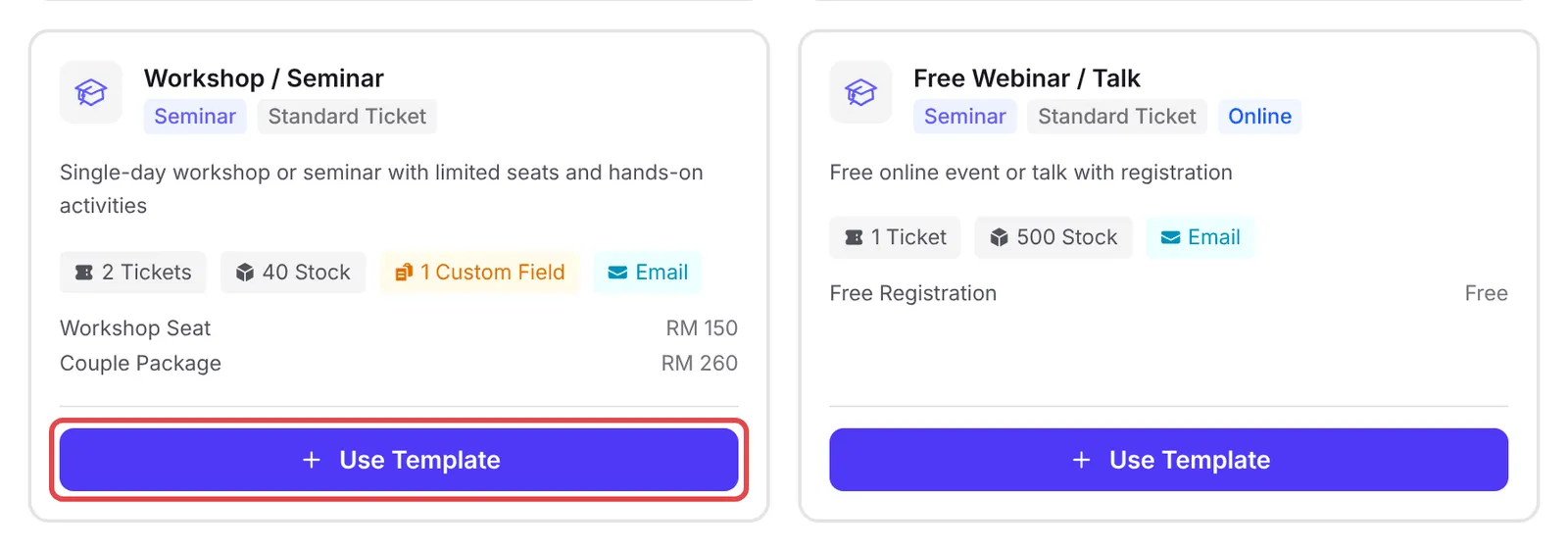
BCL creates the event and opens it for editing. It is named after the template, has sample ticket types, a placeholder venue and a date in the next few weeks, and is switched off so nobody can buy yet. Before you share it:
- Change the Event Name, Event URL Slug, Description, dates and venue to your own.
- On the Event Details tab, choose a Payment Option. Templates leave it empty, and BCL will not save the event without one.
- Edit the ticket types and prices, then click Update Event.
- On the Event Forms list, turn on Enable Form for the event.
Copy an event with Export JSON
Section titled “Copy an event with Export JSON”Export JSON saves an event and its ticket types as a file you can import into another BCL account:
-
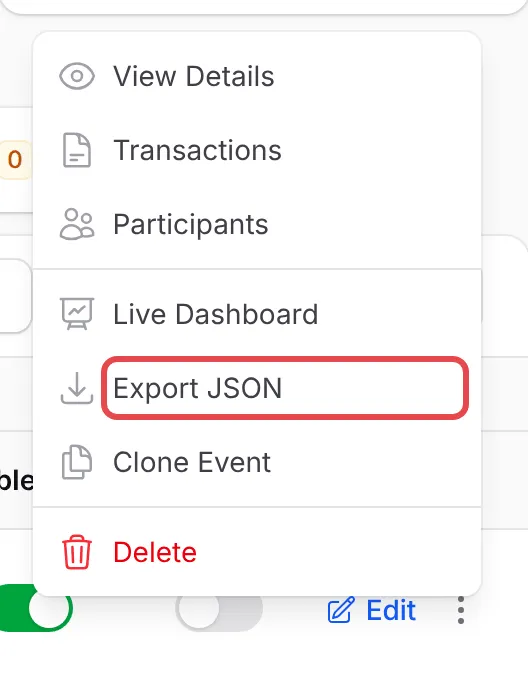
On the Event Forms list, click ⋮ on the event’s row, then Export JSON. The file downloads to your computer.
-
In the account that should get the event, go to Events → Events and click Import JSON.
-
Upload the file in JSON File (up to 5 MB), then click Submit.
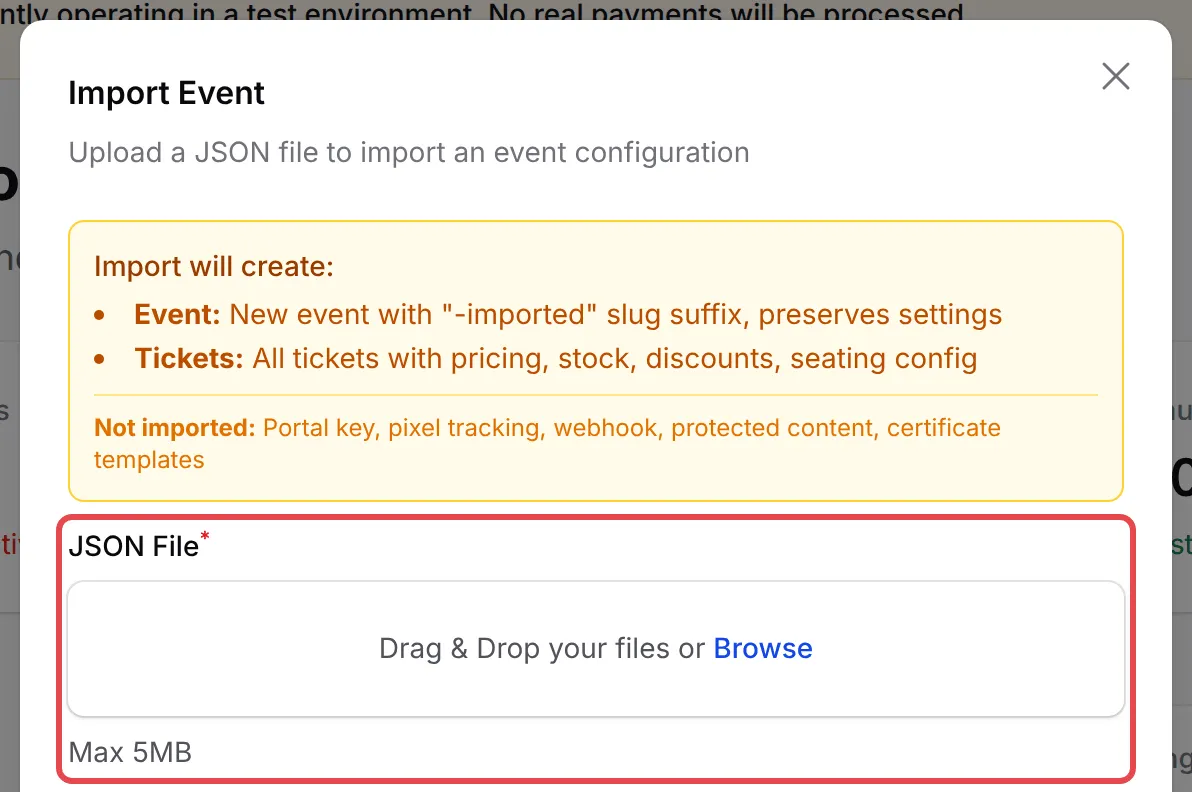
The new event opens for editing, with “-imported” added to its slug. Its settings and ticket types come across, including prices, stock, discounts and seat plans. The portal key, pixel tracking, webhook, protected content and certificate templates do not; set those again in the new account.
Templates and imports are copies, so check them before you sell:
- Check the copy before you share it. After an import, check the event’s start and end times and the Enable Form switch on the Event Forms list.
- Keep an export as a backup. Export JSON is a quick way to save an event’s setup before you make big changes.
- Reuse your own events too. To copy an event inside the same account, click ⋮ on its row and choose Clone Event.
Common issues
What is the fastest way to start selling event tickets?
On Events → Events, click Templates and choose the example closest to your event. BCL creates the event with sample ticket types for you to edit.
Why does my template event show 'The payment Option field is required' when I save?
Templates do not choose a payment method. Open the Event Details tab, choose at least one Payment Option, then click Update Event again.
Can I copy an event from one BCL account to another?
Yes. In the first account, click ⋮ on the event's row and choose Export JSON. In the other account, click Import JSON on the Event Forms page and upload that file.
Was this article helpful?
Thanks for your feedback.
Sorry this didn't help. WhatsApp us and we'll sort it out with you.