
Ask an AI about this page
 ChatGPT
 Claude
 Perplexity
 Google AI Mode
 Microsoft Copilot
 Grok
Grok Mistral Le Chat
Stream page themes
Updated

A pay-per-view stream page comes in four themes. They all have the same stream player, Watch on TV, the buyer’s access details and live ad breaks; they differ in colour and layout. You pick one per content and can change it at any time.
The four themes
Section titled “The four themes”Choose the one that suits your event:
| Theme | Look | Suits |
|---|---|---|
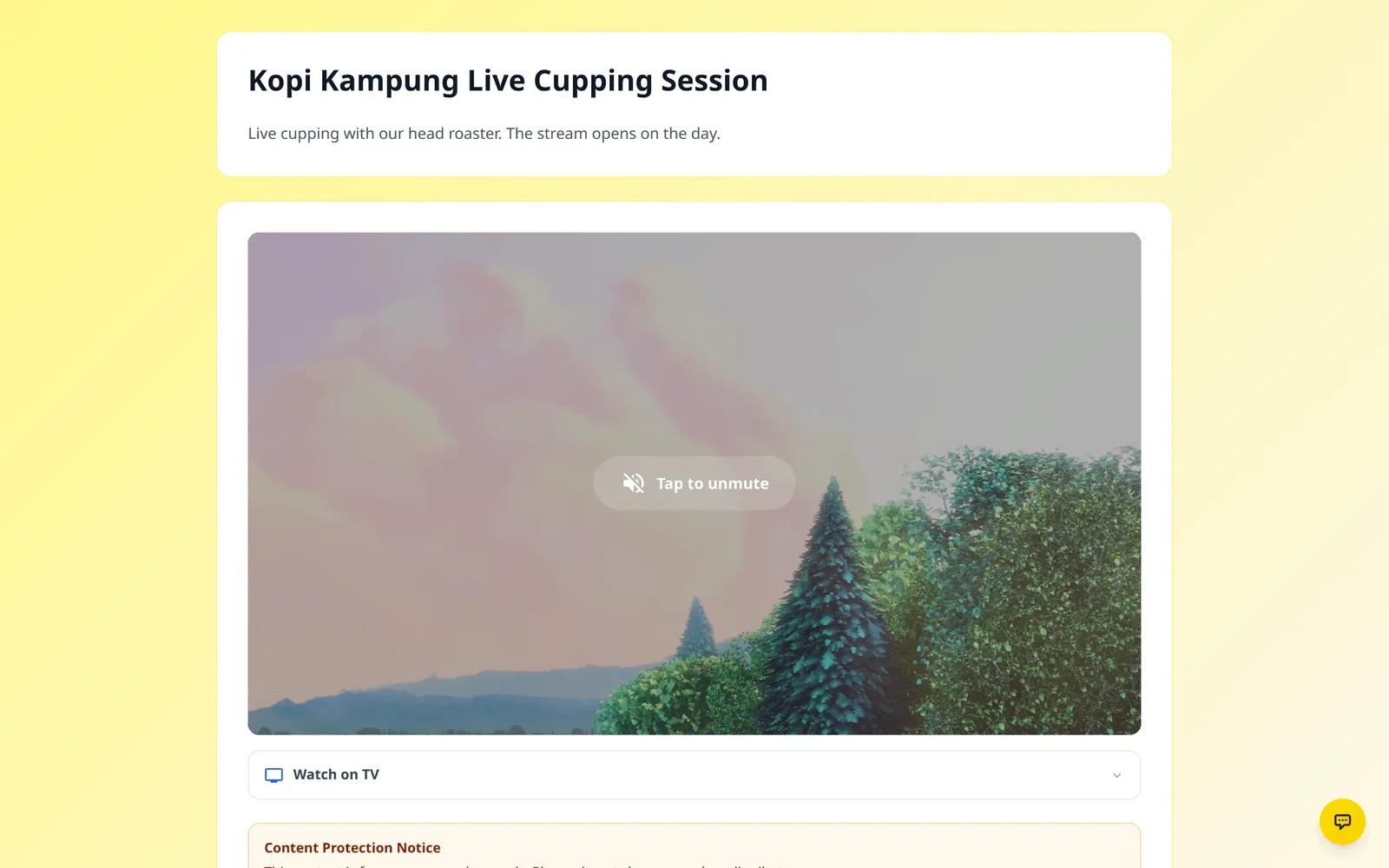
| Default (Light) | Light page with the player, a folding Watch on TV section and the access details below | Classes and talks |
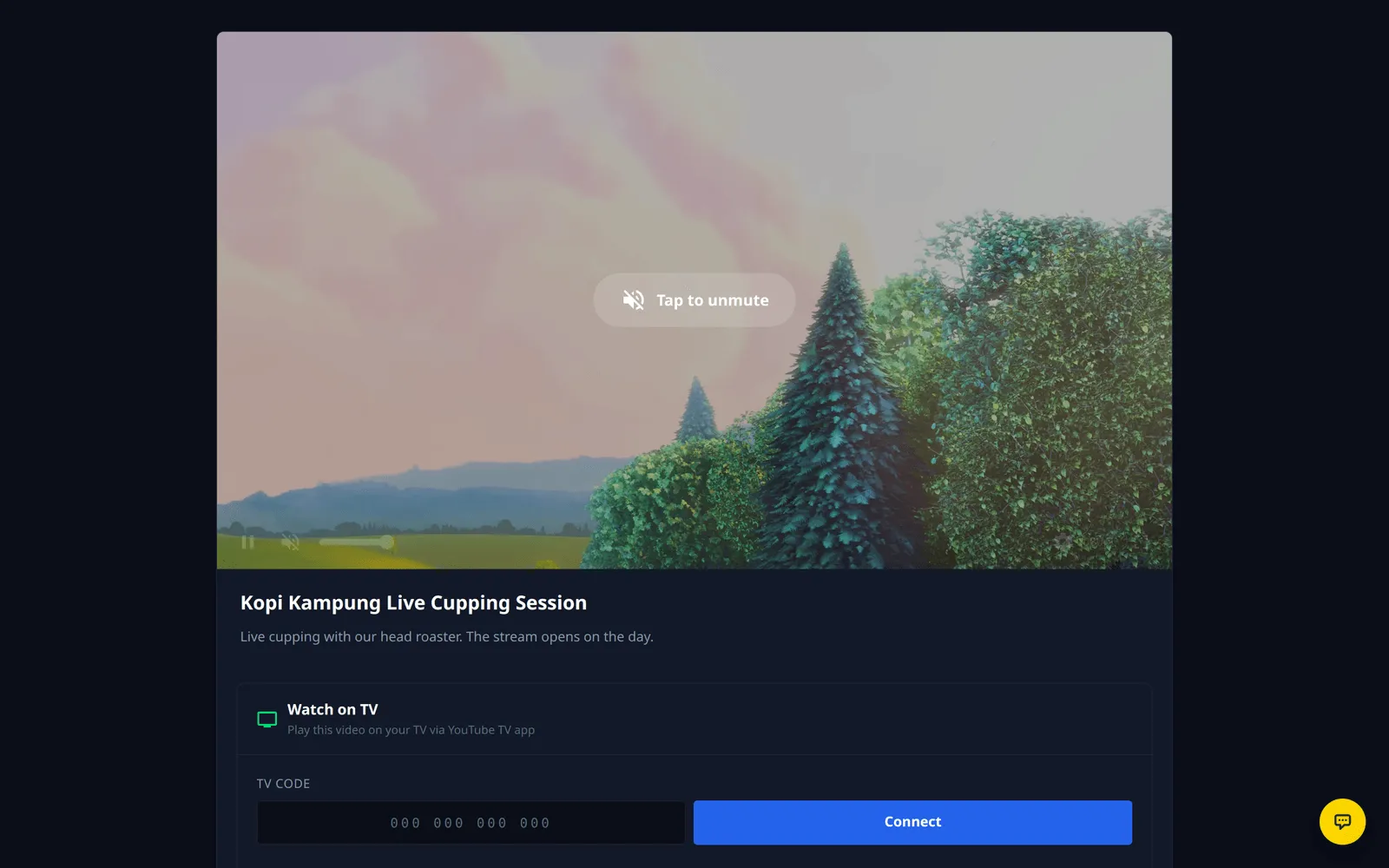
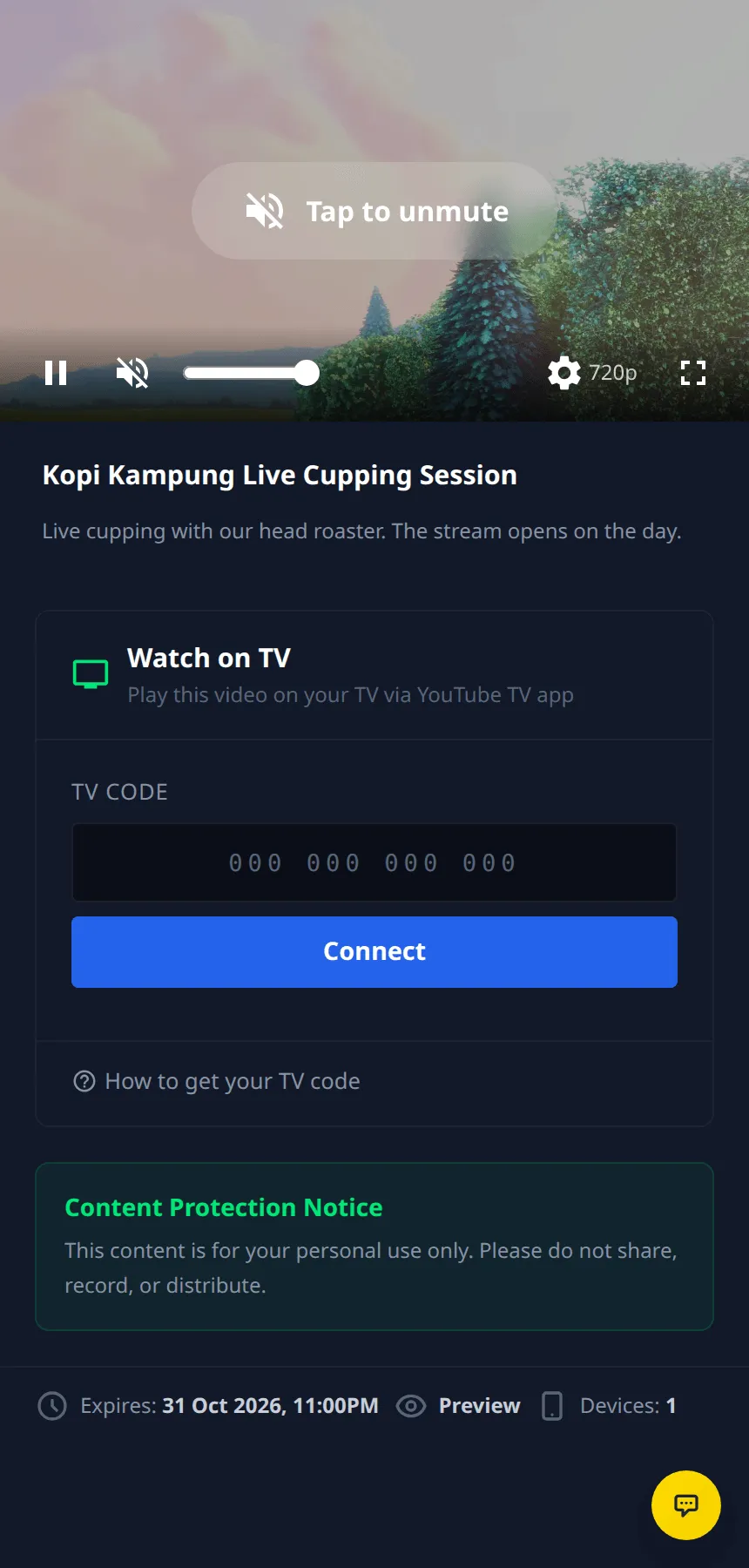
| Football (Dark) | Dark, sport-style page; the player fills the width on phones | Football and other matches |
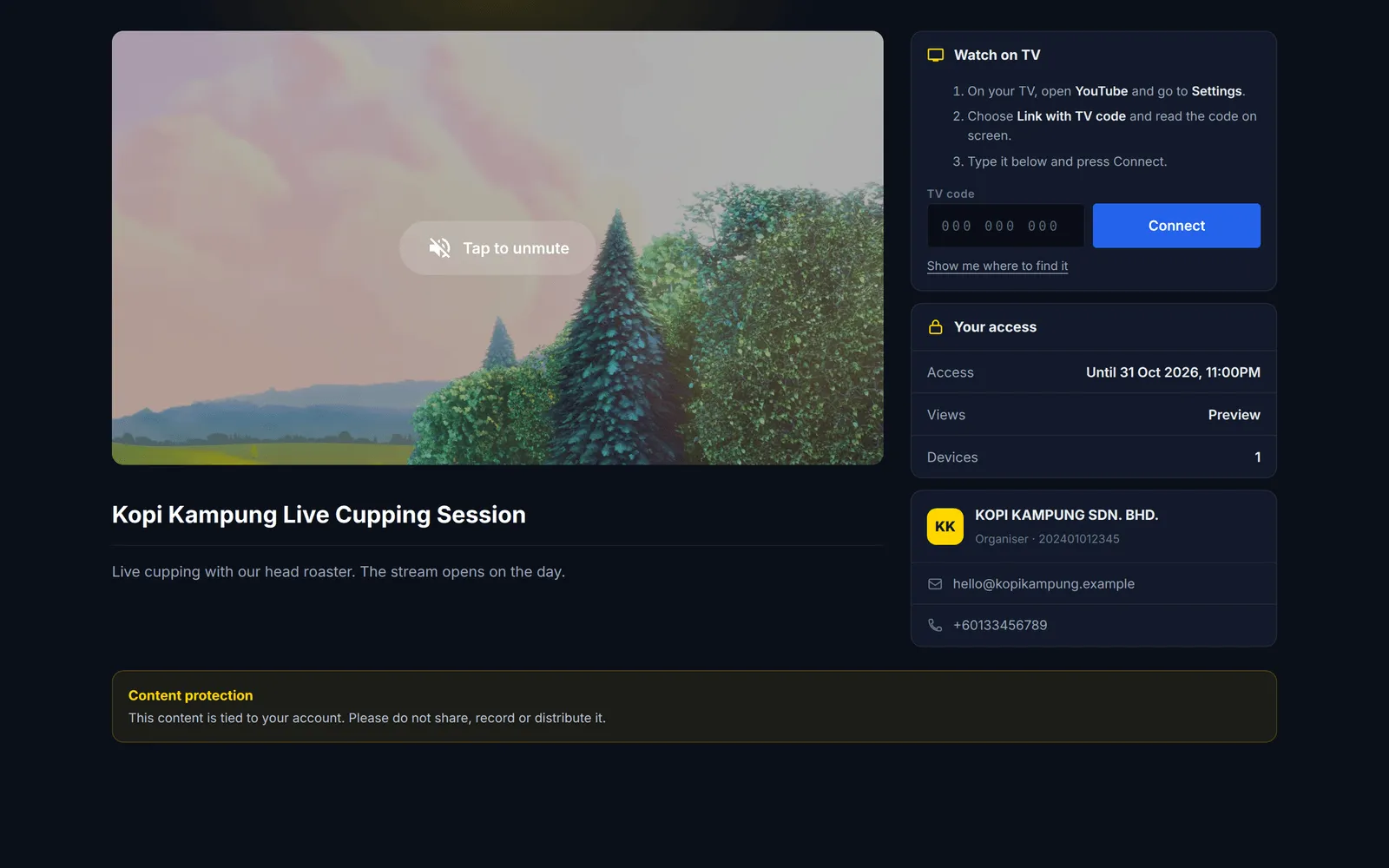
| Broadcast (Dark) | Full-page dark layout: player on the left; Watch on TV, Your access and your business details on the right | Concerts, launches, premium events |
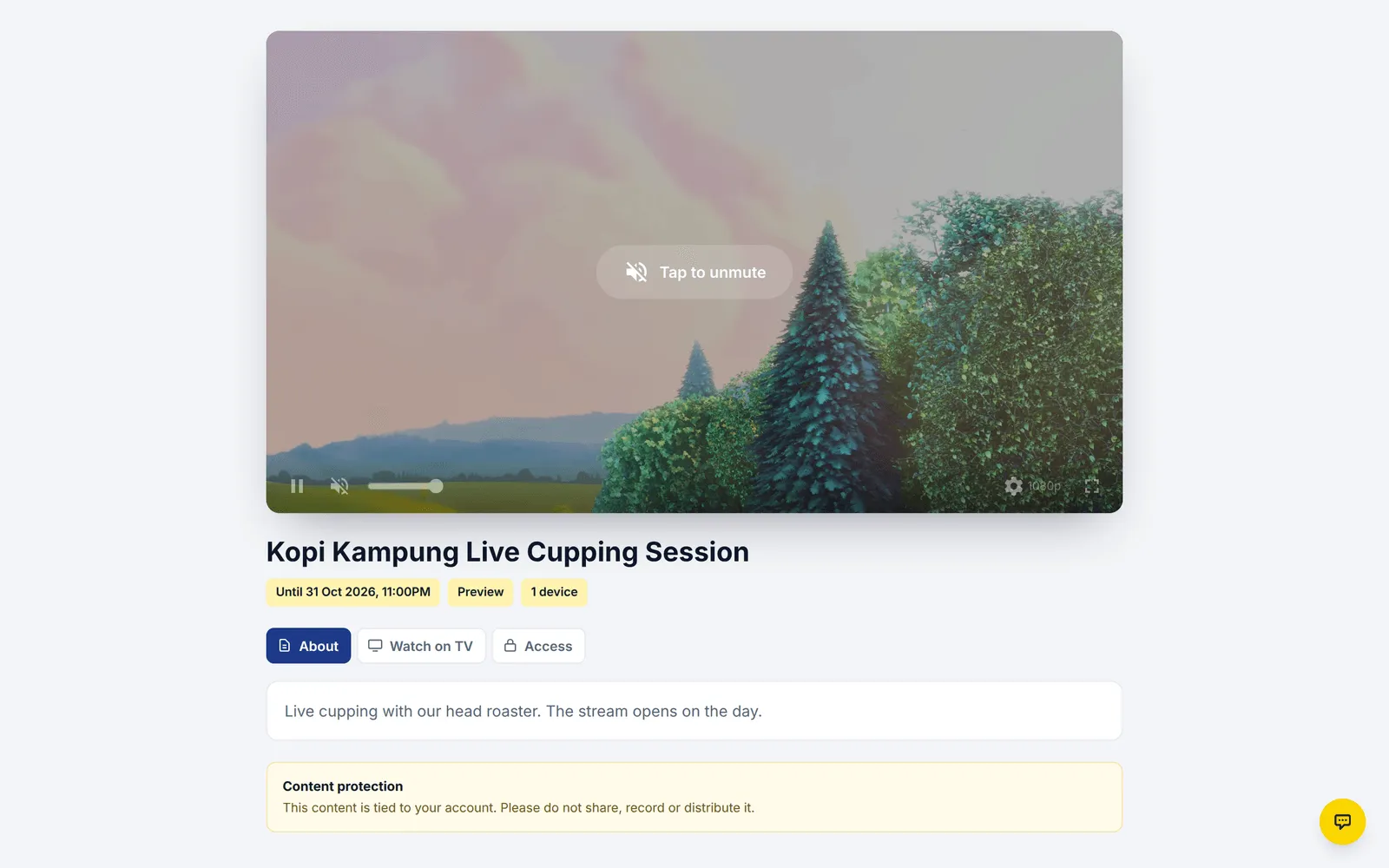
| Studio (Light) | Full-page light layout with the access details as chips under the title and tabs for About, Watch on TV and Access | Workshops, courses, webinars |
Default (Light):
Football (Dark), on a computer and on a phone:
Broadcast (Dark):
Studio (Light):
Change the theme
Section titled “Change the theme”The theme is set on the content, not on the form. To change it:
-
Go to Protected Content and click Edit on your stream.
-
On the Content Settings tab, choose a Stream Page Theme.

-
Click Save Changes.
-
Click Preview to check the page.
The preview matches what buyers see. Close the Preview Mode notice with its cross to see the page without it.
Choose with your viewers in mind:
- Match the theme to the room. Dark themes are easier on the eyes for evening matches and concerts watched in the dark.
- Check on your phone. Most buyers watch on phones: open Preview on your phone before you share the link.
Common issues
Is there a theme for football matches?
Yes. Choose Football (Dark) in Stream Page Theme. It is a dark, sport-style page that fills the screen on phones.
Can I change the theme after buyers have their links?
Yes. Change Stream Page Theme and click Save Changes. Buyers' links stay the same and show the new theme the next time the page loads.
Why don't I see Stream Page Theme?
It only appears when Content Type is Video and Video Type is YouTube (Stream Player). Other video types play in their own player without a theme.
Was this article helpful?
Thanks for your feedback.
Sorry this didn't help. WhatsApp us and we'll sort it out with you.