
Ask an AI about this page
 ChatGPT
 Claude
 Perplexity
 Google AI Mode
 Microsoft Copilot
 Grok
Grok Mistral Le Chat
Check in attendees at your event
Updated

Express Check-in is the page you use at the door on event day. It works on a phone or tablet: scan the QR code on each attendee’s ticket, or search for them, and check them in with one tap.
Check in an attendee
Section titled “Check in an attendee”Open the page on the device you use at the entrance:
-
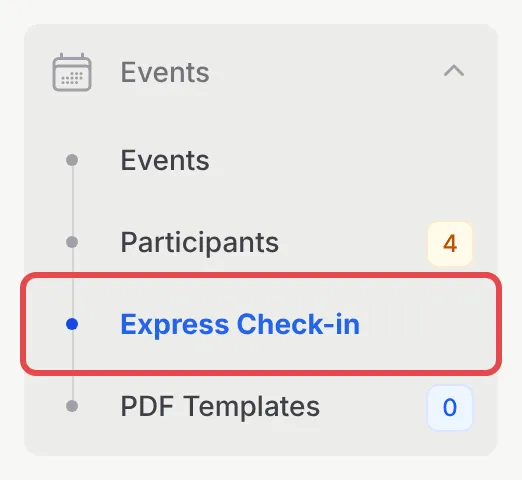
In the sidebar, go to Events → Express Check-in.
-
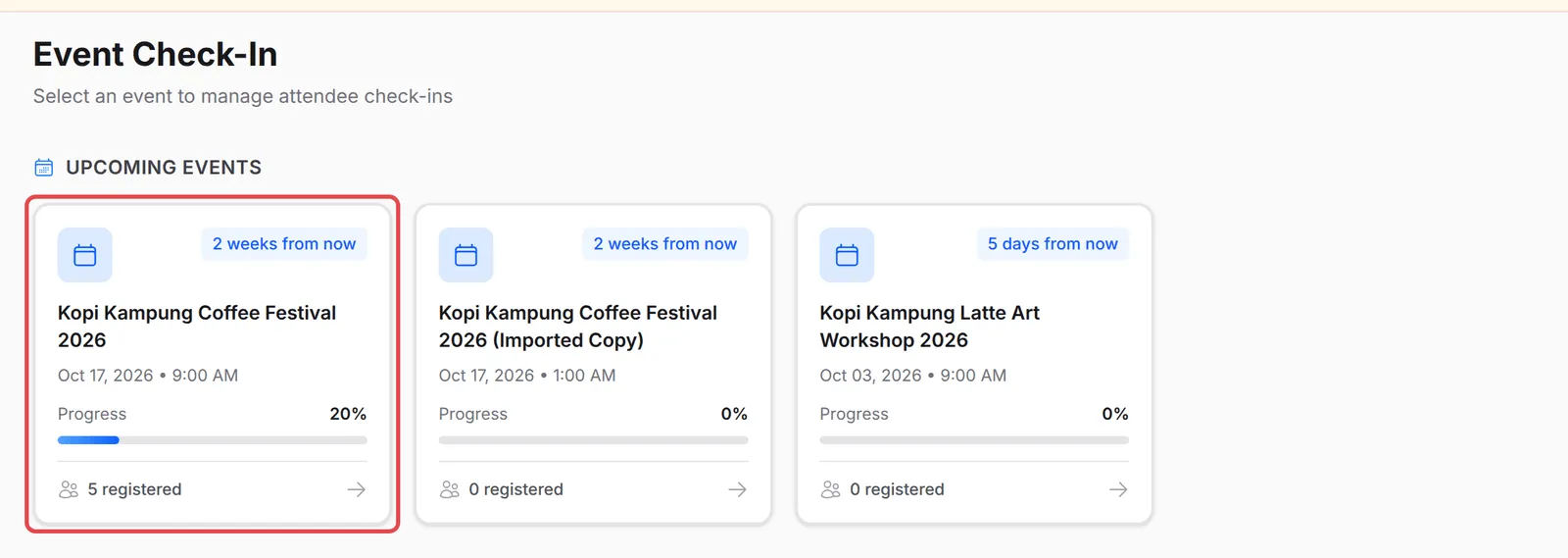
Click your event. Each card shows the date, the check-in Progress and how many people are registered.
-
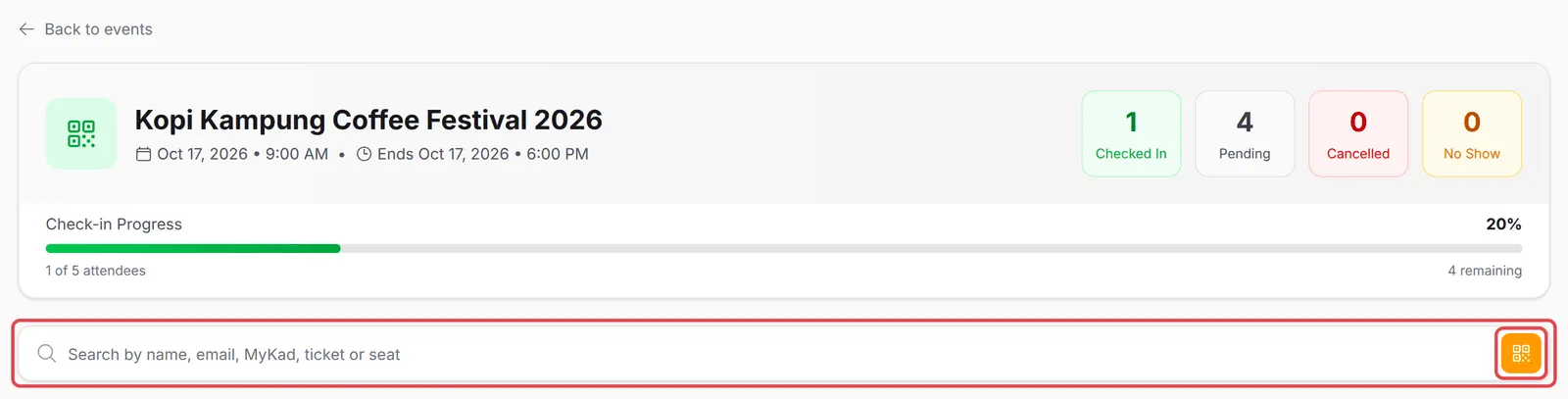
Find the attendee. Click the QR button at the end of the search box and scan the QR code on their ticket, or type their name, email, MyKad, ticket number or seat in Search by name, email, MyKad, ticket or seat.
-
When you scan a QR code, BCL shows the attendee’s event, ticket and seat. Click Confirm Check-In. When you search, click Check In on their card.
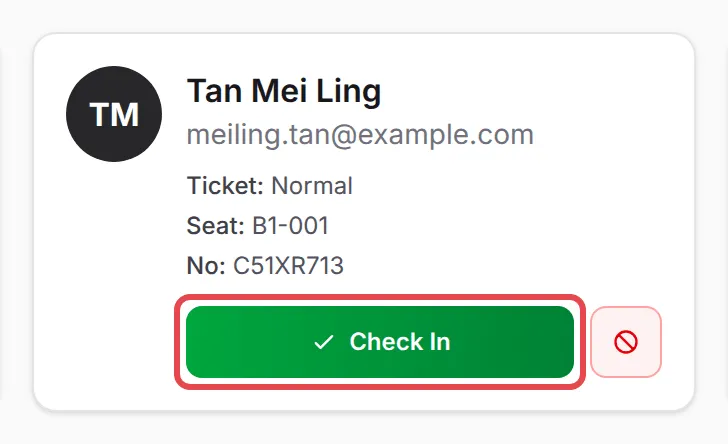
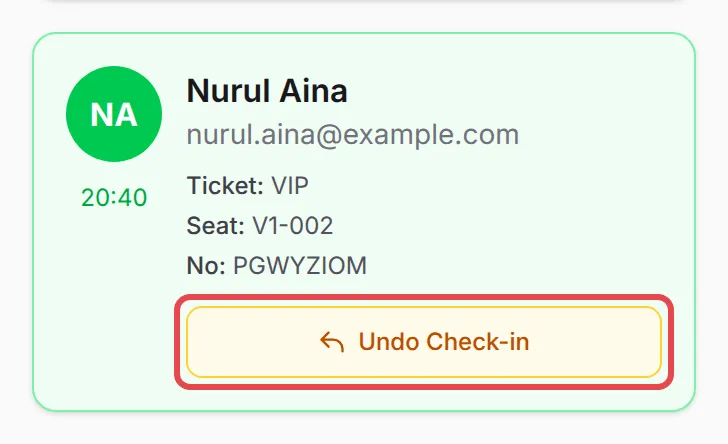
The card turns green with the check-in time, and the Checked In, Pending and Check-in Progress counts update straight away.
Undo or cancel
Section titled “Undo or cancel”To reverse a mistake, click Undo Check-in on the attendee’s card and confirm. The red button next to Check In cancels the ticket; use it only when the ticket should no longer be valid.
If BCL shows Wrong Event, the ticket is for another of your events. Invalid QR Code means the code is not a BCL ticket.
For a smooth entrance:
- Test the scanner before the doors open. Scan one ticket, then click Undo Check-in, so you know the camera works on that device.
- Several devices can check in at once. Each one shows the same list, and BCL warns with Already Checked In if a ticket was scanned at another door.
- Check in from the office too. On the Participants page, tick several rows and use Check-in to mark them all at once.
Common issues
How do I check people in on the day of the event?
Open Events → Express Check-in on a phone or tablet, choose your event, then scan each attendee's ticket QR code or search for their name and click Check In.
Can the same ticket be used twice?
No. If a ticket that is already checked in is scanned again, BCL shows Already Checked In with the time it was first used.
I checked in the wrong person. Can I undo it?
Yes. On their card, click Undo Check-in and confirm. They go back to not checked in.
Was this article helpful?
Thanks for your feedback.
Sorry this didn't help. WhatsApp us and we'll sort it out with you.