
Ask an AI about this page
 ChatGPT
 Claude
 Perplexity
 Google AI Mode
 Microsoft Copilot
 Grok
Grok Mistral Le Chat
Get answers from BCL Help
BCL Help finds answers to your questions without leaving BCL. Type a question in English, Malay or Chinese, and it shows the matching guides from BCL Documentation and answered questions from the BCL community. If nothing fits, one click takes you to the BCL team on WhatsApp.
Ask a question
Section titled “Ask a question”Any owner, admin or staff member can open BCL Help from any page in the merchant panel:
-
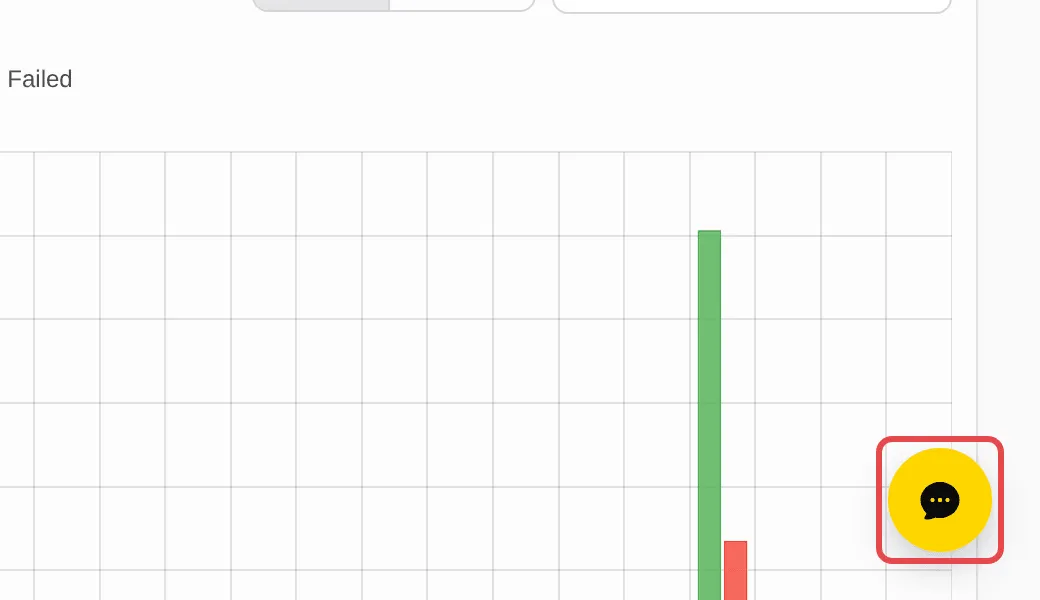
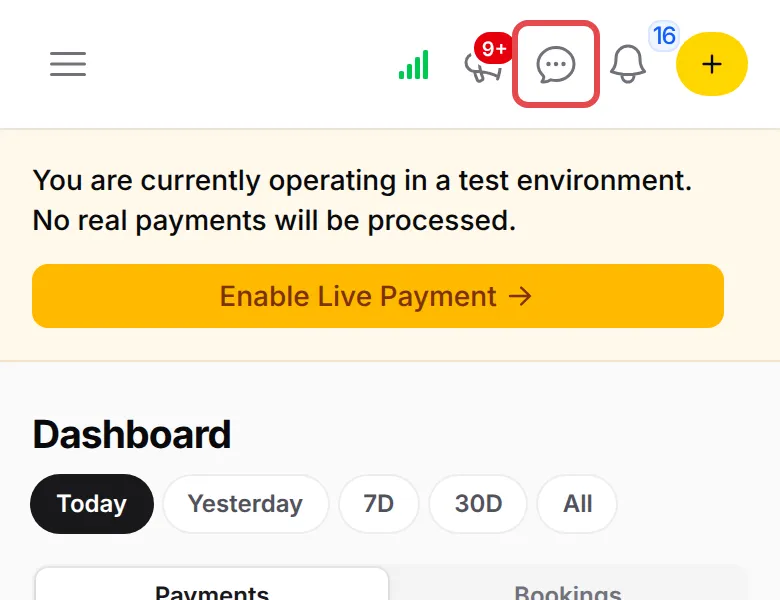
Click the yellow Help button at the bottom right of the page. On a phone, tap the Help icon in the top bar instead.
-
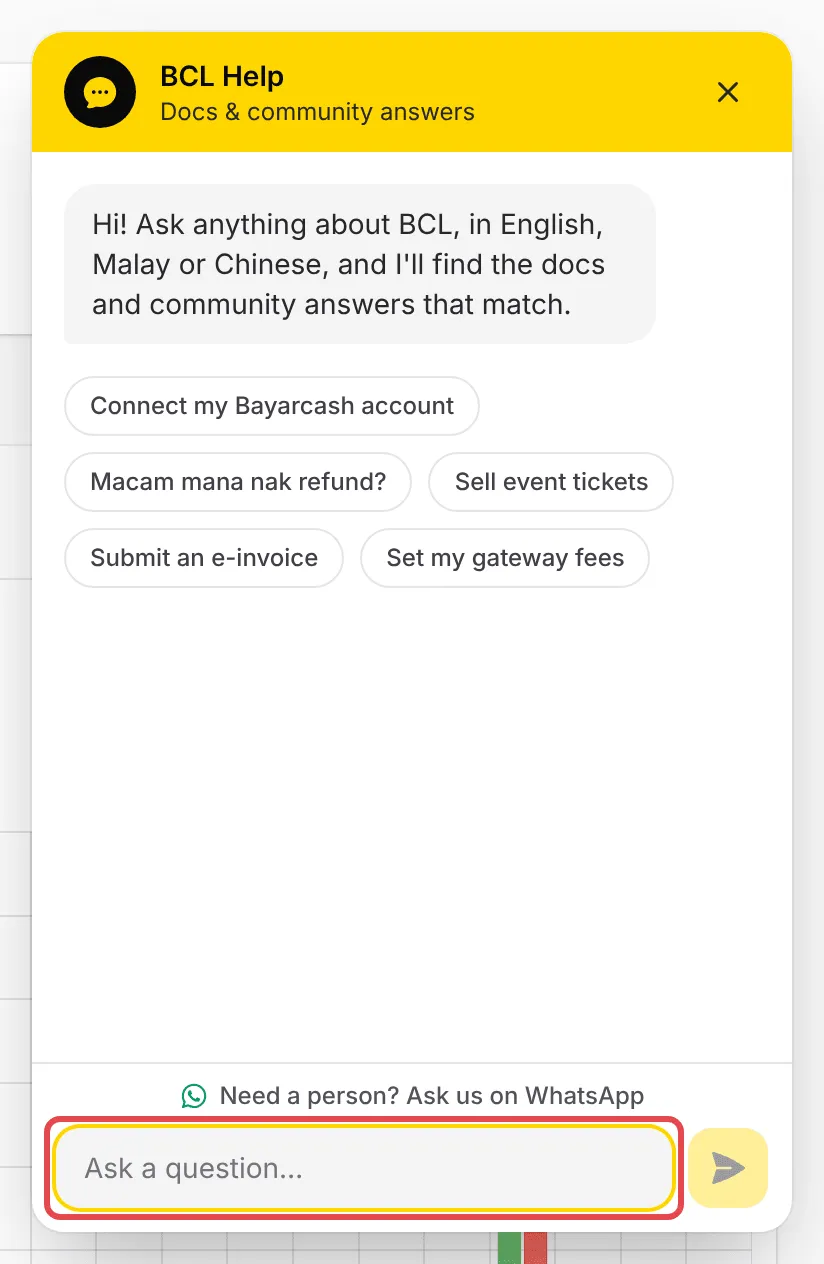
The BCL Help panel opens. Type your question in Ask a question… and press Enter, or click one of the suggested questions.
-
BCL Help shows up to six answers. Click one to open it in a new tab.
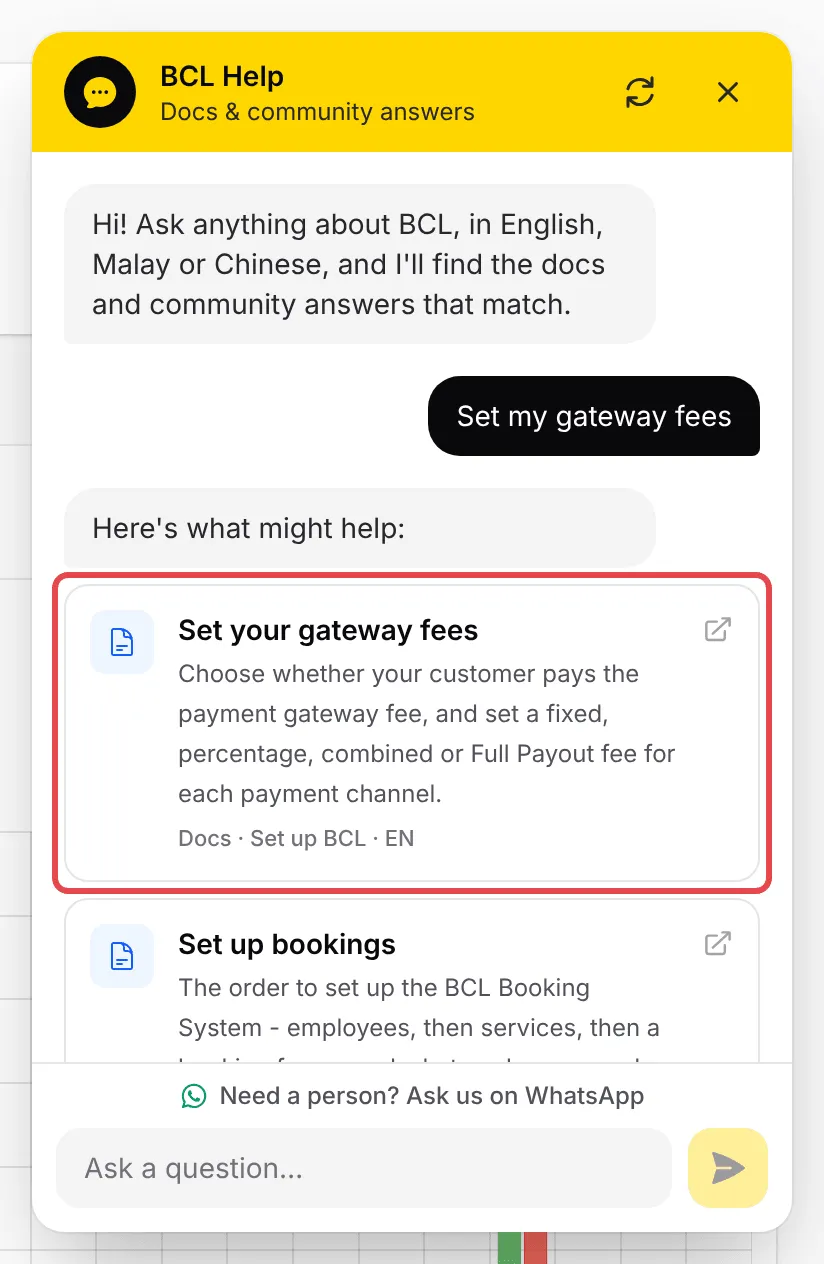
Each answer card says where it comes from:
| Label | What it is |
|---|---|
| Docs | A guide from BCL Documentation, with its section and language (EN, BM or 中文) |
| Community | A question from community.bcl.my, with its number of answers, and ✓ Accepted when an answer was marked as the solution |
The conversation stays open while you move between pages. Click the circular arrows at the top of the panel to clear it and start again.
Chat with the BCL team
Section titled “Chat with the BCL team”When the guides and community answers do not solve it, a person can help. There are two ways to reach the team on WhatsApp:
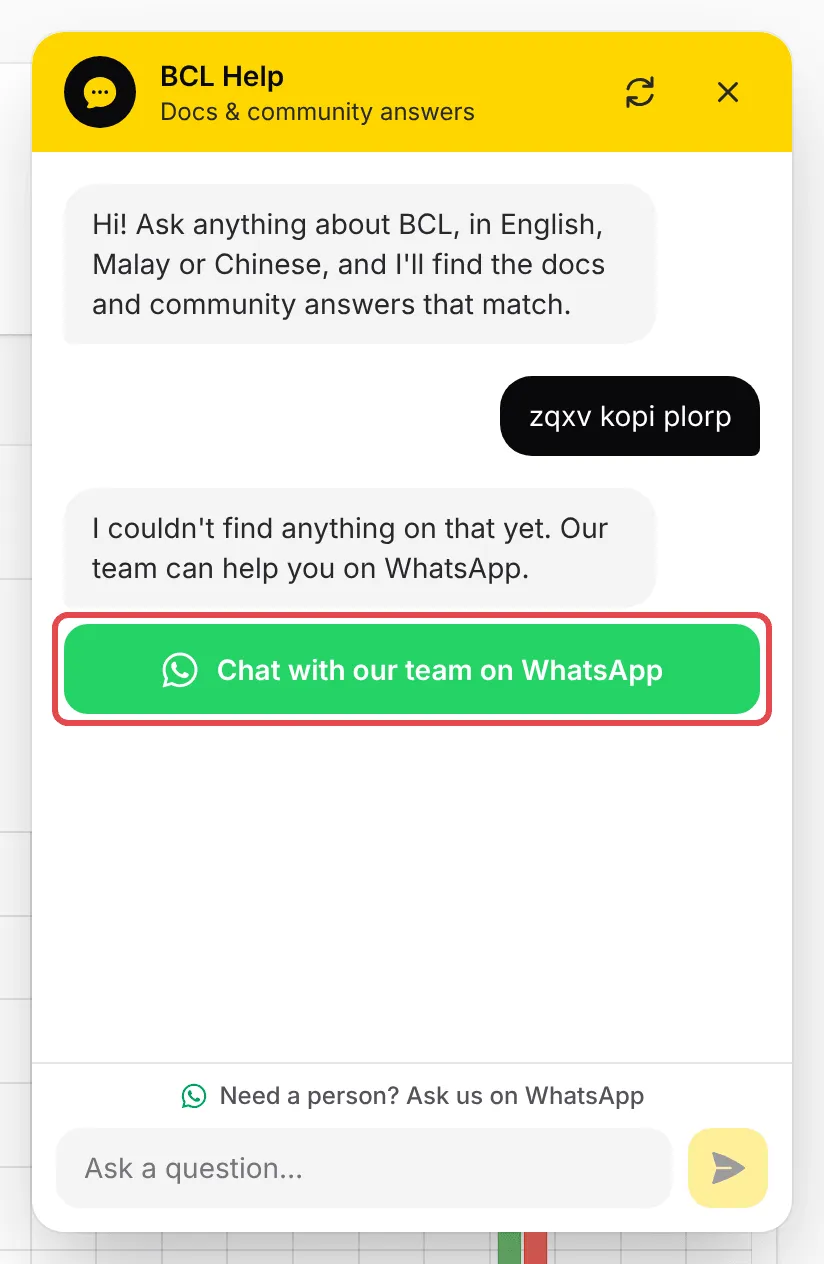
- When BCL Help finds nothing, it says so and shows a green Chat with our team on WhatsApp button.
- At any time, click Need a person? Ask us on WhatsApp above the question box.
A few habits get you a useful answer faster:
- Ask in a few words. “refund”, “e-invoice” or “gateway fee” match better than a long sentence.
- Tell the team what you already tried. When you move to WhatsApp, name the guide you followed and the step where you got stuck.
Common issues
Nak reach out team support macam mana?
Click the yellow Help button at the bottom right of any BCL page and ask your question first. If the answers do not help, click Need a person? Ask us on WhatsApp to chat with the team.
Can I ask in Malay?
Yes. BCL Help understands English, Malay and Chinese, and shows guides and community answers in any of them. The answers open in a new tab, so you do not lose your place.
Where is the Help button on my phone?
On a phone, the floating button is replaced by a Help icon in the top bar. Tap it to open the same panel.
Was this article helpful?
Thanks for your feedback.
Sorry this didn't help. WhatsApp us and we'll sort it out with you.