
Ask an AI about this page
 ChatGPT
 Claude
 Perplexity
 Google AI Mode
 Microsoft Copilot
 Grok
Grok Mistral Le Chat
Turn a form into a sales page
A sales page is a payment form with one large image above it. Customers scroll through your offer, then fill in the form and pay without leaving the page. Use it when you want a simple landing page without building one from scratch.
You write the copy and design the image yourself. A tool such as Canva works well.
Set up the sales page
Section titled “Set up the sales page”Before you start, have your finished sales image ready, in one file.
-
Go to Payments → Forms, then click Create Form, or click Edit on an existing form.
-
In Basic Information, fill in the title and other details. Add extra fields in Custom Field Form if you need them.
-
Open the Payment Details tab and set your Price Setting, Portal Key and Payment Option.
-
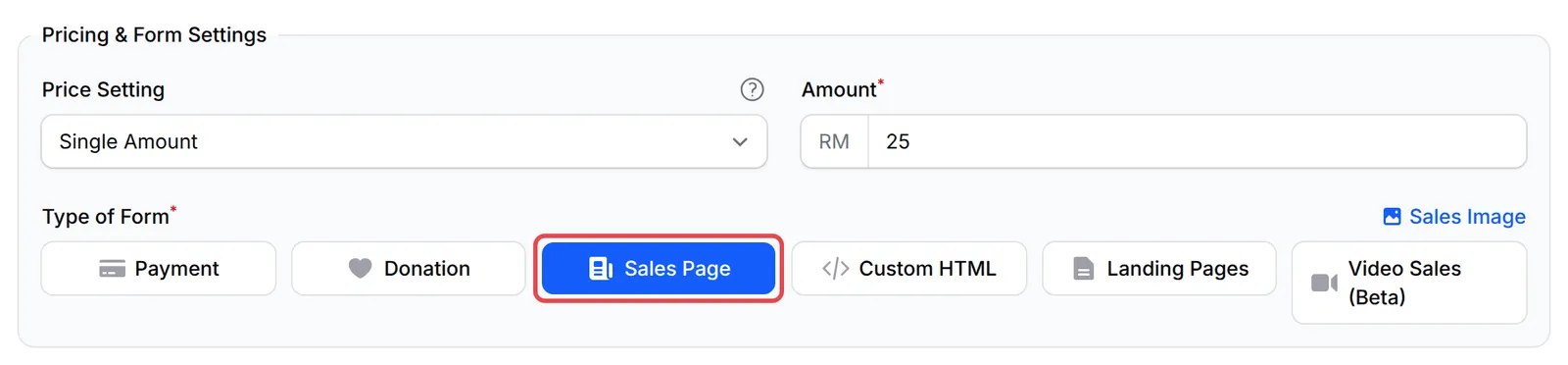
Under Type of Form, choose Sales Page.
-
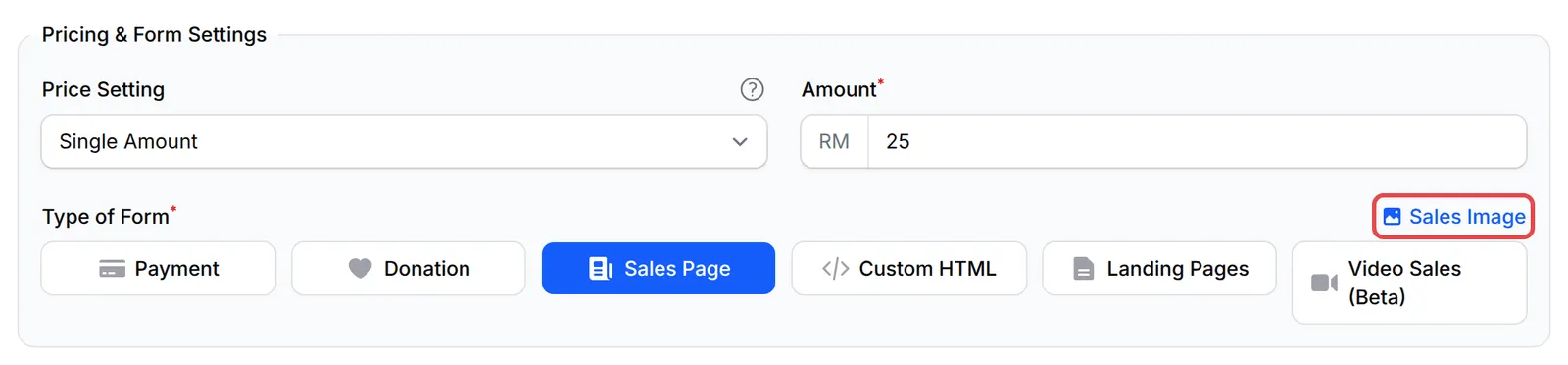
Click Sales Image, on the right above the Type of Form buttons.
-
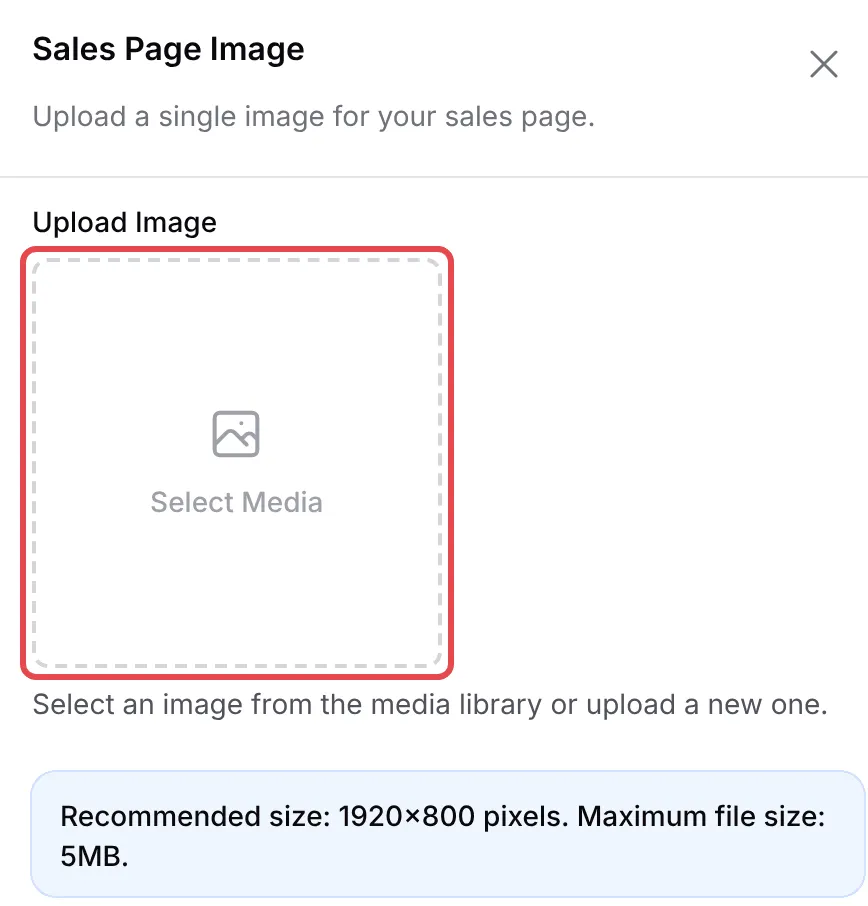
In the Sales Page Image panel, click Select Media under Upload Image. Choose your image from the media library, or click Add New to upload one, then click Select Image. Click Apply.
-
Click Add Payment Form for a new form, or Update Form for an existing one. The image is only kept once the form is saved.
-
Click View Form to check the page as your customer sees it.
Change the image later
Section titled “Change the image later”Once the form is saved, a Sales Image button also appears at the top of the form. Click it, choose the new image, click Apply and then Update Form.

If you want a page with several sections, text and buttons instead of one image, choose Landing Pages or Custom HTML under Type of Form. See Choose the right form type.
If buyers leave before they scroll down to the form, split the page in two: a sales page with no form and a button to a separate checkout form. See Build a two-step funnel.
Common issues
Can I upload more than one image for my sales page?
No. A sales page takes a single image. Put your copy and graphics together in one image, for example by designing it in Canva and exporting it as one file.
My sales page is on Canva. Can I still track Facebook ads?
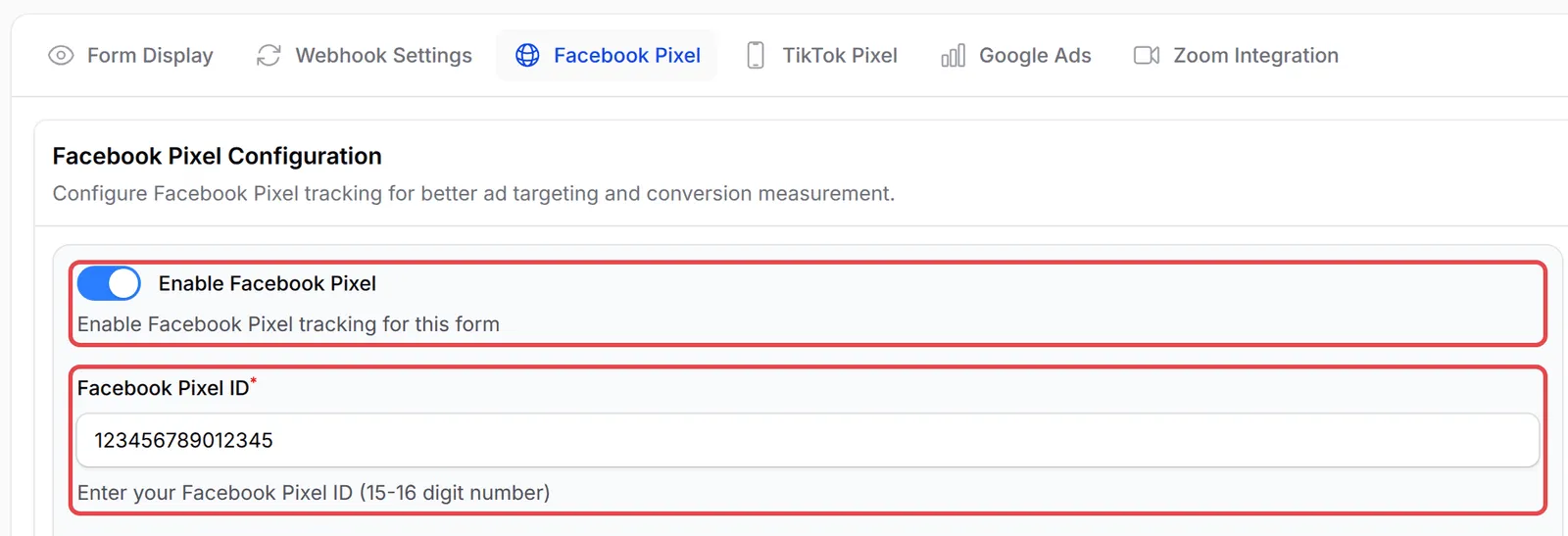
Yes. The pixel is set on the form, not the page. Open the form, go to Advanced → Facebook Pixel, and fill in your pixel details. See Facebook Pixel.
Was this article helpful?
Thanks for your feedback.
Sorry this didn't help. WhatsApp us and we'll sort it out with you.